To track restaurant calories without a food scale, combine three tools: published menu nutrition data when it exists, hand-based portion references for everything else, and a calorie database or AI photo estimate to fill the gaps. None of these is perfectly accurate, but used together they get most meals within a reasonable range and keep your weekly numbers honest. The goal is a good estimate you log consistently, not a lab-grade measurement you skip because it feels impossible.
Why you can’t weigh a restaurant meal (and why that’s fine)
Restaurant cooking is built to taste good, not to be measured. Oil, butter, dressings, and sauces add calories you never see, and portion sizes vary from one location to the next even within the same chain. You usually can’t ask the kitchen how much olive oil went into your pasta, and pulling out a scale at the table isn’t realistic.
The good news: weight loss and maintenance depend on your weekly average, not on any single meal being exact. If your daily logging is roughly right most days, an imperfect restaurant estimate barely moves the trend. Aim for “close enough, every time” rather than “perfect, sometimes.”
Step 1: Check published menu nutrition first
Your most accurate source is the restaurant’s own data. In the United States, the FDA menu labeling rule requires chains with 20 or more locations to publish calorie information, so large chains almost always have numbers available.
Where to look:
- The menu board or printed menu (calories are often listed right beside the item).
- The restaurant’s website or app, which frequently has a full nutrition PDF with protein, carbs, and fat.
- A quick search for the restaurant name plus “nutrition information.”
When the data exists, use it as your anchor and adjust for what you actually ate. Did you skip the bun, leave half the fries, or add an extra side of ranch? Start from the listed number and add or subtract from there.
When there’s no published data
Independent restaurants and smaller chains usually publish nothing. In that case, find the closest match in a calorie database. Search for a similar dish from a chain that does publish numbers (for example, a generic “chicken burrito bowl” or “fettuccine alfredo”) and use that as a stand-in. It won’t be exact, but a comparable restaurant dish is a far better starting point than guessing from scratch.
Step 2: Use your hand as a portable scale
Your hand travels everywhere and scales roughly to your body size, which makes it a surprisingly reliable portion guide. These are the standard references used by many dietitians:
- Palm (your flat palm, minus fingers) ≈ one portion of protein, about 3 to 4 ounces of cooked meat or fish.
- Fist ≈ about one cup, useful for rice, pasta, and starchy sides.
- Cupped hand ≈ about a half cup, good for grains, beans, or smaller carb servings.
- Thumb ≈ about one tablespoon, the size of a fat or calorie-dense add-on like oil, butter, mayo, or peanut butter.
- Thumb tip ≈ about one teaspoon, handy for estimating cooking oil per portion.
Two of the most underestimated items at restaurants are fats and dressings. A salad can jump by 200 to 400 calories from dressing alone, and a “healthy” stir-fry may be cooked in several thumbs of oil. When in doubt, assume restaurants use more fat than you would at home and round your fat estimate up.
Step 3: Order in a way that makes tracking easier
You can make a meal far easier to estimate before the food even arrives. Smart ordering reduces hidden calories and gives you cleaner numbers to log.
- Ask for sauces and dressings on the side. Then you control how much goes on, and you can estimate it in thumbs.
- Choose grilled, baked, steamed, or roasted over fried, breaded, or “crispy,” which signal added oil and batter.
- Build a plate you can count. A clear protein plus a defined carb plus vegetables is much easier to estimate than a mixed casserole, creamy pasta, or a layered burrito.
- Pre-decide your portion. Box half before you start, or split an entree, so the amount you eat is a known fraction.
- Watch the “free” extras. Bread baskets, chips and salsa, and drinks add up fast and are easy to forget. Log them or skip them on purpose.
Step 4: Estimate with a photo when you have nothing else
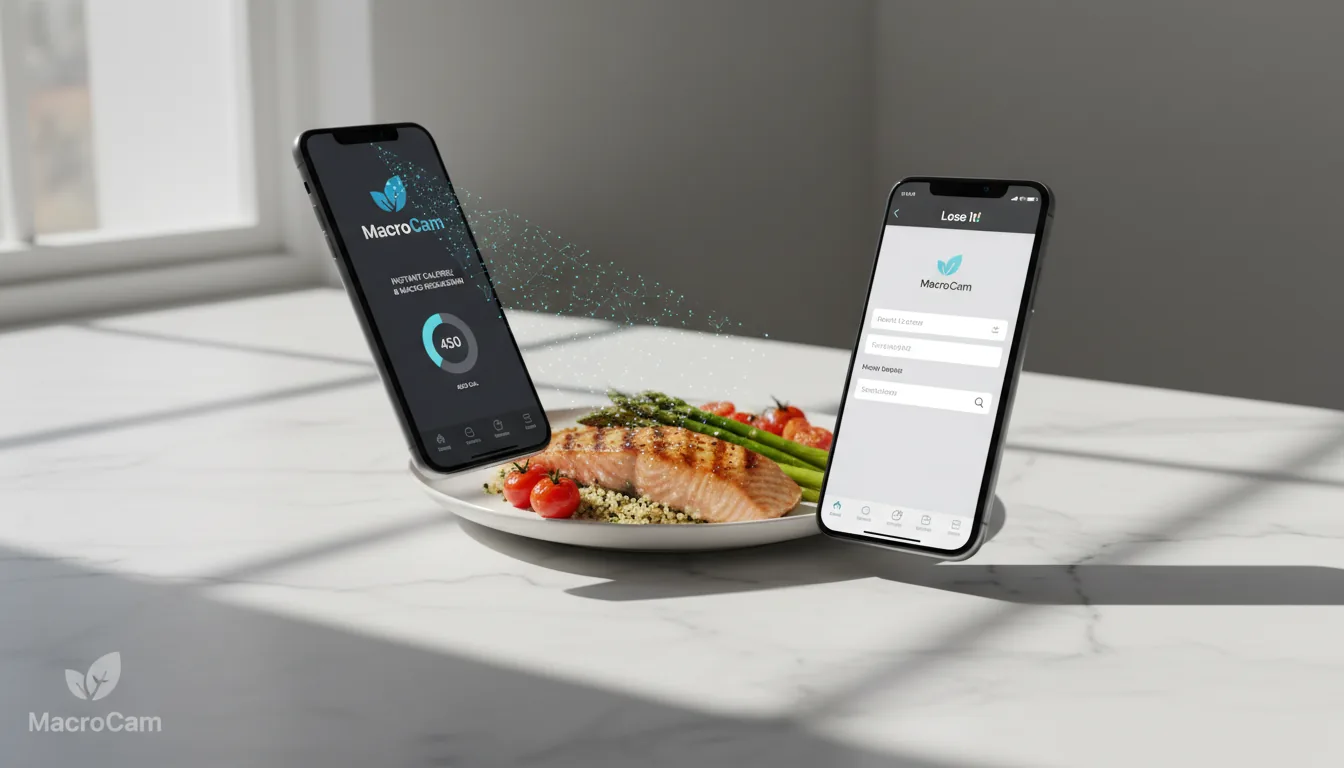
When there’s no menu data and you’re not sure how to size the plate, a photo-based AI estimate is a fast way to get a number. You snap a picture of the meal and the app returns an estimate of calories, protein, carbs, and fat, which you can then adjust if you know something the photo can’t show.
MacroCam is an AI calorie tracker for iPhone that does exactly this: you take a photo of your plate and it turns it into a calorie and macro estimate in seconds. The free tier includes up to 3 photo scans per day with no credit card required. With permission, selected Apple Health profile data can pre-fill onboarding and personalize calorie and macro targets.
A few tips to get a better photo estimate:
- Shoot from a slight angle, not straight down, so depth and thickness are visible.
- Include a size reference in frame, like a fork, your hand, or a standard plate.
- Photograph the meal before mixing or cutting, while components are still separated.
- Adjust the result for anything hidden, such as oil the dish was cooked in or a sauce already poured on.
How accurate are these estimates, really?
Be honest with yourself: every method here is an estimate. Photo AI can misjudge density and hidden ingredients, hand portions carry human error, and even published menu numbers reflect a target recipe, not the specific plate in front of you. Research on calorie estimation consistently shows that both people and tools struggle most with mixed dishes, calorie-dense restaurant food, and hidden fats.
That’s not a reason to give up; it’s a reason to track the trend instead of the single meal. We dig into where AI photo tools tend to be reliable and where they slip in our evidence-based AI calorie tracking guide. The practical move is to round up on obviously rich restaurant meals, stay consistent day to day, and judge your progress over a week or two rather than agonizing over one dinner.
Put it together: a simple restaurant workflow
- Check for published nutrition. If the chain lists it, start there and adjust for what you actually ate.
- No data? Estimate the plate. Use hand portions for protein, carbs, and fats, or take a photo for an AI estimate.
- Account for the hidden stuff. Add for cooking oil, butter, dressing, and any free bread or chips.
- Log it and move on. A reasonable estimate logged today beats a perfect one you never enter.
To set the target you’re tracking against, run your numbers through our calorie needs calculator so you know how a single restaurant meal fits into your day.
Frequently asked questions
How do I track restaurant calories without a food scale?
Use the restaurant’s published menu nutrition as your first source, since US chains with 20 or more locations are required to provide calorie data. When no data exists, estimate portions with your hand (palm for protein, fist for carbs, thumb for fats) or take a photo for an AI calorie estimate, then add for hidden oils, butter, and dressings.
Are restaurant calorie estimates accurate?
They are approximations, not exact measurements. Published chain numbers reflect a standard recipe and may differ from your specific plate, while hand portions and AI photo tools introduce their own error, especially on mixed dishes and calorie-dense food. Because weight change depends on your weekly average, a consistent reasonable estimate matters more than any single meal being precise.
What hand portion sizes should I use?
A flat palm is about one protein serving (3 to 4 ounces of cooked meat), a fist is about one cup of carbs like rice or pasta, a cupped hand is about a half cup, a thumb is about one tablespoon of fat such as oil or butter, and a thumb tip is about one teaspoon. Hand sizes scale roughly with body size, which makes them a convenient portable reference.
Can an app estimate restaurant calories from a photo?
Yes. Photo-based apps analyze an image of your meal and return estimated calories and macros. MacroCam is an iPhone app that turns a meal photo into a calorie, protein, carb, and fat estimate, with up to 3 free scans per day. Estimates are most reliable when you include a size reference in the frame and adjust for hidden cooking oils or sauces.
How do I account for hidden restaurant calories?
Assume restaurants use more fat than a home kitchen. Add a thumb or two of calories for cooking oil and butter, count dressing and sauce separately (ask for them on the side so you can measure by sight), and don’t forget free extras like bread, chips, and sugary drinks. Rounding up on obviously rich meals offsets most underestimation.