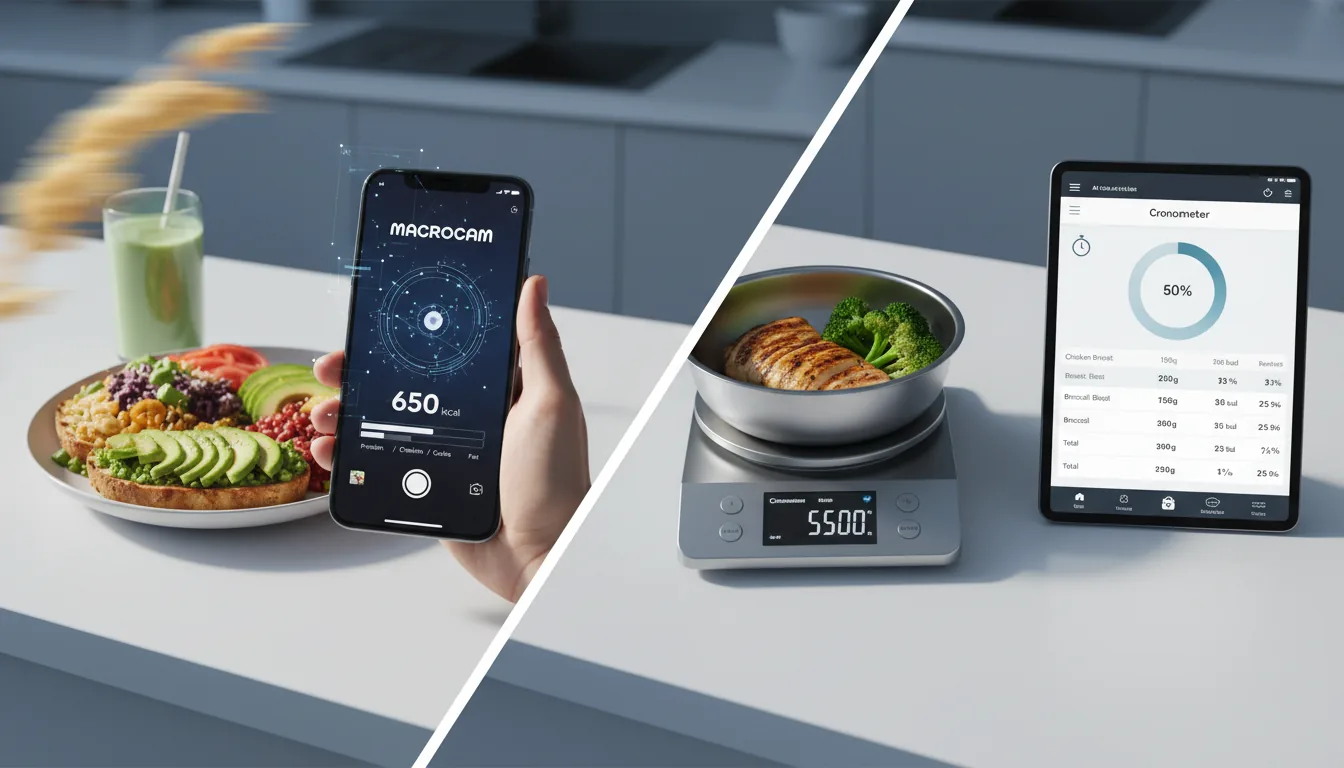
Short answer: MacroCam is usually better for low-friction logging, while Cronometer can be a strong pick for users who want highly granular manual nutrition control.
Need the full comparison hub? Go to MacroCam Alternatives and Comparisons.
MacroCam vs Cronometer
| Category | MacroCam | Cronometer |
|---|---|---|
| Core workflow | Photo capture first, then fast edit | Detailed manual logging and nutrition data review |
| Time burden | Built for rapid logging in daily routines | More setup and detail review per meal in many workflows |
| Macro workflow | Quick AI estimate with user correction | Deep nutrient-level detail and manual tuning |
| Best fit | Users optimizing for consistency and speed | Users prioritizing depth and precision controls |
Decision framework
- Choose MacroCam if your adherence drops when logging takes too much time.
- Choose Cronometer if detailed nutrient control is your primary requirement.
- Keep the same goal in both apps: log consistently across full weeks.
Related comparisons
- MacroCam vs MyFitnessPal
- MacroCam vs Lose It
- MacroCam vs Manual Calorie Tracking
- Evidence-Based AI Calorie Tracking
- Need help selecting a workflow? Visit Support.
Bottom line
MacroCam is typically the better choice when speed and repeatability drive your results. Cronometer is often better when deeper manual nutrition detail matters most to you.