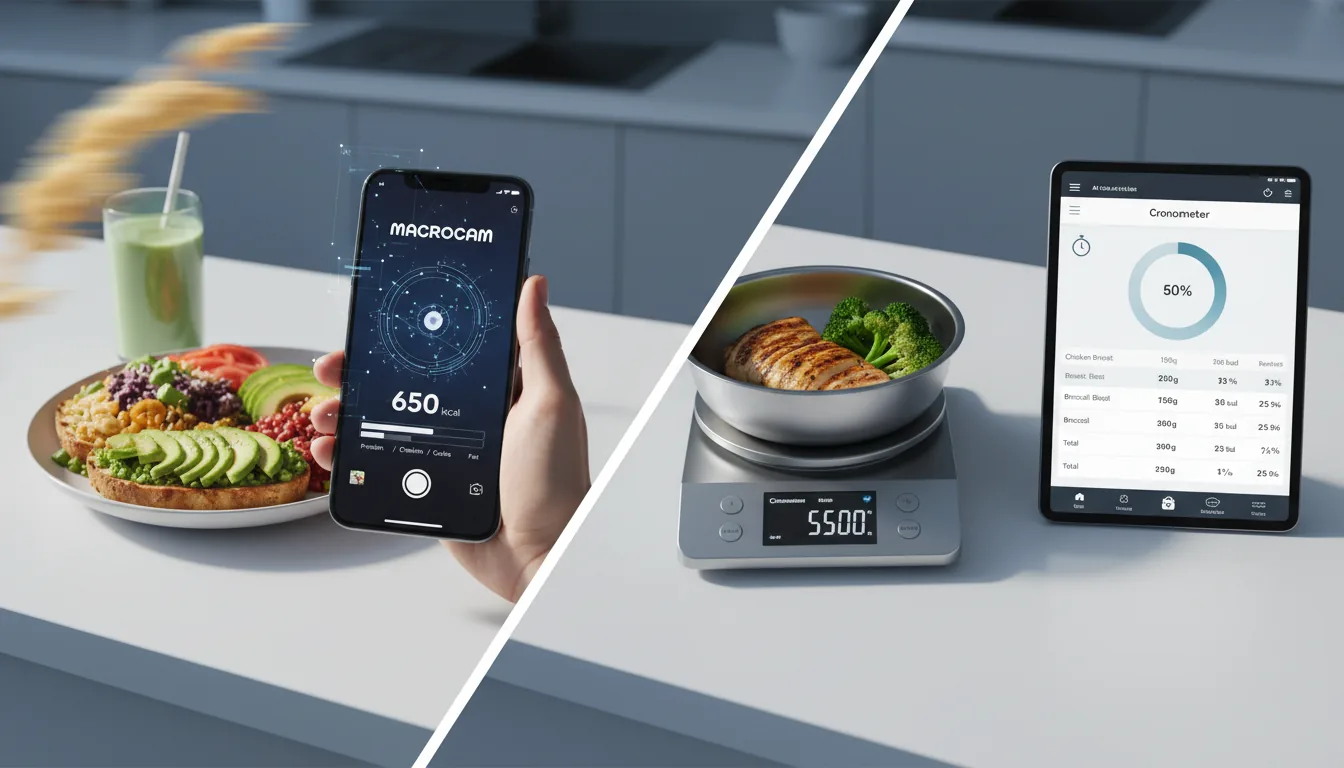
When people search for the best calorie tracker Reddit threads tend to converge on a handful of recurring themes rather than one universal winner: ease of logging, realistic accuracy expectations, total cost, data privacy, and whether the app actually runs on your phone. The “right” pick depends on which of those you weight most heavily. Below is an honest synthesis of the sentiment that shows up again and again in fitness and nutrition communities, plus where photo-based tools like MacroCam fit.
Why there’s no single “best” answer
Calorie tracking is personal, and community discussions reflect that. Someone training for a powerlifting meet cares about precise protein logging. Someone trying to lose 15 pounds wants the lowest-friction way to stay consistent. A privacy-minded user cares more about what happens to their data than about a 30-second-faster workflow.
That’s why the same question produces different recommendations depending on who’s answering. Instead of chasing a single name, it’s more useful to understand the criteria people actually argue about and then map them to your situation.
The themes communities raise most
1. Ease and consistency beat theoretical accuracy
A point that comes up constantly: the best tracker is the one you’ll actually keep using. People frequently note that a “perfect” app you abandon after two weeks is worse than a “good enough” app you use for a year.
This is why barcode scanning, photo logging, and large food databases get praised — anything that shortens the time between eating and logging. Friction is the number one reason people quit tracking, so workflow speed is treated as a core feature, not a nicety.
2. Accuracy is “directionally useful,” not lab-grade
Experienced trackers tend to set realistic expectations. No consumer app — manual or AI — gives you a perfectly accurate calorie count, because portion sizes, cooking methods, and hidden oils vary meal to meal.
The community consensus is usually some version of: consistency matters more than precision. If your tracker is off by a similar margin every day, the trend still tells you whether to eat more or less. AI photo estimators are seen the same way — a fast starting estimate you can adjust, not a scientific measurement. Anyone promising perfect accuracy is generally met with skepticism.
3. Cost and the subscription backlash
Pricing is one of the most heated topics. A lot of frustration shows up around apps that lock basic logging behind a subscription, use aggressive paywalls, or A/B test prices so two users see different numbers.
Common preferences that surface:
- A genuinely usable free tier, not just a trial.
- Transparent, flat pricing rather than constantly shifting offers.
- A one-time/lifetime option for people who hate recurring bills.
The takeaway: people don’t mind paying, but they dislike feeling nickel-and-dimed for features that used to be standard.
4. Privacy and “what happens to my data”
Privacy comes up more than it used to, especially as more apps add AI. People ask reasonable questions: What gets collected? Is my food log sold or used for ads? Where do my meal photos go?
The honest framing the community appreciates is a clear answer rather than a marketing slogan. With most AI photo tools — MacroCam included — the image is analyzed on a server to produce the estimate, so it’s worth reading any app’s privacy policy rather than assuming photos stay only on the device. Apps that are upfront about this earn more trust than apps that imply otherwise.
5. Platform: iOS vs Android (and Apple Health)
Platform is a practical filter that quietly eliminates half the recommendations for any given person. Several popular apps are iOS-only, which is a dealbreaker for Android users — and vice versa.
For iPhone users specifically, Apple Health integration is a frequent plus. People like when an app can read profile basics (date of birth, biological sex, height, weight) to skip tedious onboarding and set sensible calorie and macro targets. Just be clear-eyed about what each app reads versus writes; integrations vary a lot.
How the popular options map to those themes
Manual trackers (database + barcode)
Long-standing apps with huge food databases are the default recommendation for precision-focused users. The trade-off communities mention: large databases can contain duplicate or user-submitted entries with inconsistent data, and some have moved more features behind subscriptions over time. Great for control; slower to log.
AI photo trackers
A newer category where you photograph a meal and get an estimate. The appeal is speed and lower friction; the caveat people raise is the accuracy ceiling discussed above. Used as a fast first estimate you can tweak, they fit the “consistency over precision” philosophy well.
If you want a deeper category breakdown, see our roundup of the best AI calorie tracking apps for 2026, which weighs these same trade-offs across multiple apps.
Cal AI
Cal AI is one of the most-discussed AI options. Worth knowing factually: it runs on both iOS and Android, it’s subscription-only (roughly $29.99–$49.99/year, with A/B-tested pricing so the number you see can vary), and it was acquired by MyFitnessPal in March 2026. Cross-platform availability is its big advantage; the subscription-only model is the main thing budget-conscious users push back on. For more options, see our calorie tracker alternatives guide.
Where MacroCam fits
MacroCam is an AI calorie tracker for iPhone (iOS only — there’s no Android version). You snap a photo of a meal and it estimates calories, protein, carbs, and fat — a fast first number you can adjust rather than a lab measurement.
On the themes communities care about, here’s the honest read:
- Ease: Photo-first logging is built for low friction.
- Accuracy: Treated as a directional estimate, consistent with the realistic-expectations view above.
- Cost: A real free tier (up to 3 AI photo scans per day, no credit card), then $4.99/month, $29.99/year, or a one-time $79.99 lifetime plan for people who’d rather pay once.
- Privacy: Photos are analyzed server-side to produce the estimate — described plainly, not dressed up as something it isn’t.
- Platform: iPhone only. With permission, it can use selected Apple Health profile data to pre-fill onboarding and support optional health-data syncing.
It currently holds 4.8 stars from about 1,200 reviews. If you’re on iPhone and want to try the photo-logging approach, you can download MacroCam on the App Store and test the free scans before deciding. For other iOS choices, our MacroCam calorie tracker alternatives page lays out the landscape without the hype.
A quick way to choose
Run your situation through these questions:
- What phone do you have? Android instantly rules out iOS-only apps.
- Do you want speed or precision? Photo AI for speed; database + barcode for precision.
- What’s your budget tolerance? Want a free tier or a one-time purchase, or are you fine with a yearly subscription?
- How much do you care about data handling? Read the privacy policy before committing, especially for AI tools.
- Will you actually stick with it? Be honest — pick the workflow you won’t abandon.
Answer those five and the field narrows quickly. The “best” tracker is the intersection of your platform, your budget, and the logging style you’ll keep up with for months.
Frequently asked questions
What is the best calorie tracker according to Reddit?
There’s no single answer — community sentiment splits by need. Precision-focused users tend to favor established manual trackers with large databases and barcode scanning, while people who prioritize speed lean toward AI photo trackers. The recurring advice is to pick the app you’ll use consistently, since adherence matters more than any single feature.
Are AI photo calorie trackers accurate?
They give a useful starting estimate, not a lab-grade measurement. Portion size, cooking oils, and hidden ingredients all introduce error for any consumer app, manual or AI. The practical value comes from consistency: if your estimates are off by a similar amount each day, the trend still guides whether to eat more or less. Treat the number as a first draft you can adjust.
Is there a free calorie tracker that’s actually usable?
Yes, several apps offer free tiers, though what’s included varies. MacroCam, for example, allows up to 3 AI photo scans per day on its free plan with no credit card required. Always check whether a “free” app is a permanent tier or just a trial before relying on it.
Does MacroCam work on Android?
No. MacroCam is iOS only and has no Android version. Android users who want photo-based AI tracking should look at cross-platform options such as Cal AI, which runs on both iOS and Android.
Do calorie tracking apps keep my meal photos private?
It depends on the app, and it’s worth reading the privacy policy. Many AI photo trackers — including MacroCam — analyze your meal image on a server to generate the estimate, so the photo is uploaded rather than staying solely on your device. Look for clear, specific disclosures about what’s collected and how it’s used rather than vague reassurances.