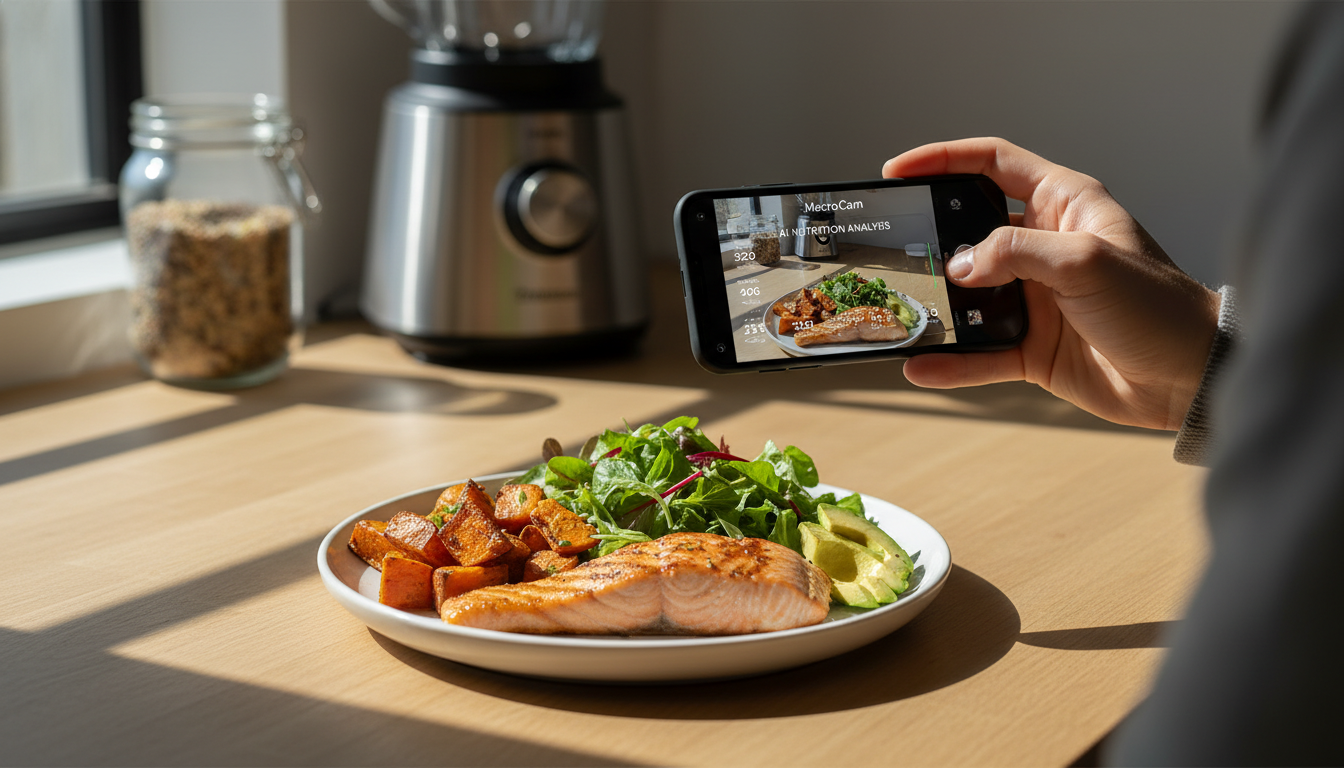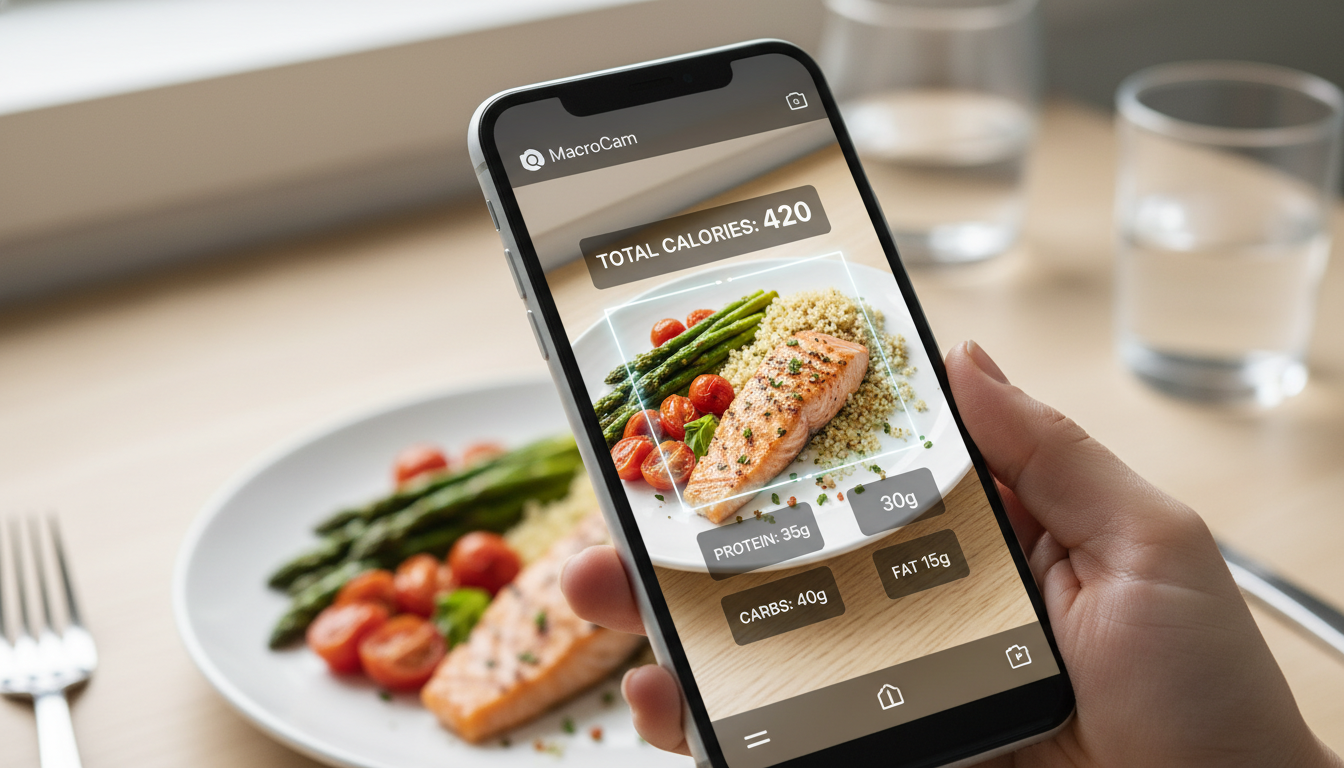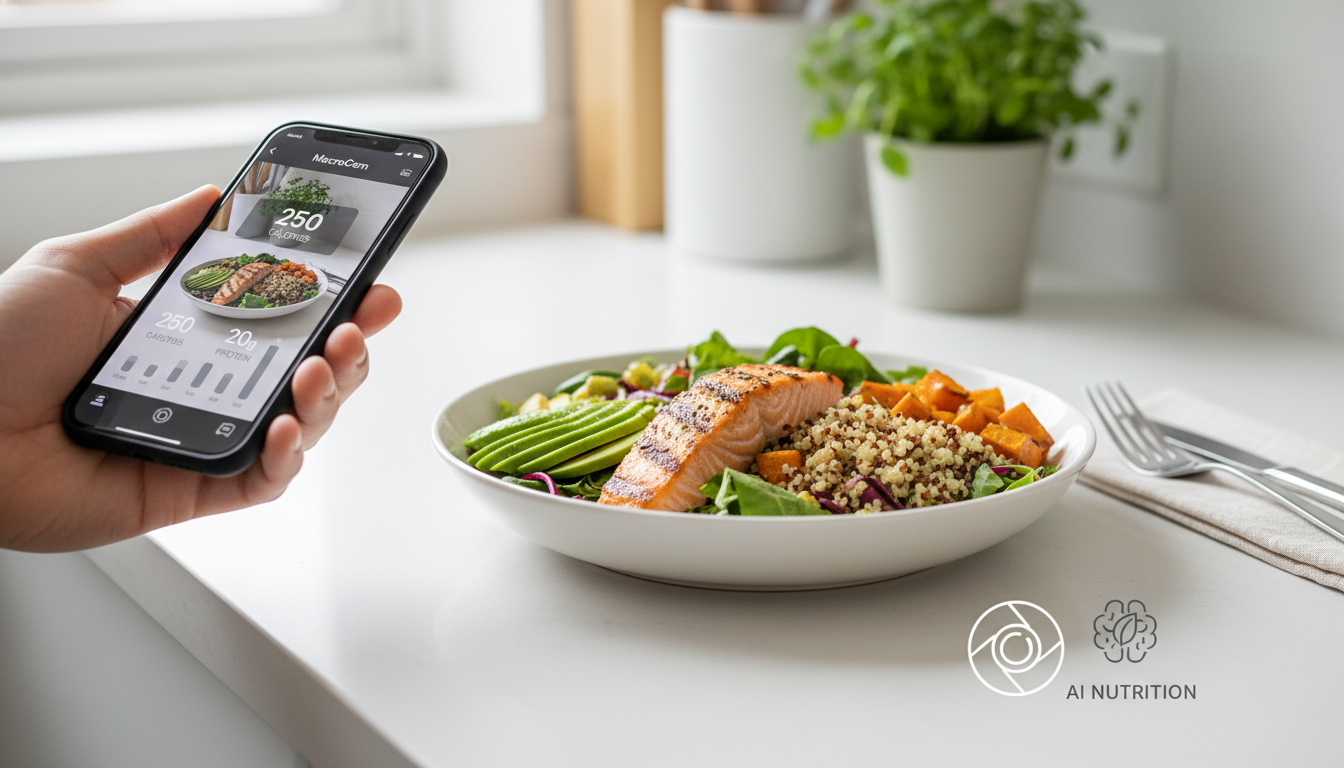
Keeping tabs on what you eat can often feel like a daunting task. Enter MacroCam, the food photo calorie app that’s changing the game. With just a quick snap of your meal, you receive an instant breakdown of calories and macronutrients, all thanks to advanced AI technology. If you want an easy way to manage your diet, MacroCam is your go-to solution.
Table of Contents
- The Evolution of Food Photo Calorie Apps
- How MacroCam Works
- Key Features of MacroCam
- Why MacroCam Excels
- Practical Tips for Using MacroCam
- FAQs About Food Photo Calorie Apps
- Final Thoughts and Download
The Evolution of Food Photo Calorie Apps
As health consciousness rises, so does the need for straightforward dietary tracking solutions. A recent survey revealed that 62% of adults wish to better understand their food choices (AOL). Traditional calorie counting can be tedious and often leads to inaccuracies. This is where food photo calorie apps like MacroCam step in, offering a quick and efficient alternative.
The popularity of these apps has surged in 2026, making them essential tools for anyone looking to simplify their health routine. Instead of manually logging each meal, a simple photo yields instant insights.
How MacroCam Works
Using MacroCam is a breeze. Here’s a step-by-step guide on how to get started:
- Capture a Photo: Take a clear picture of your meal.
- AI Analysis: The app uses sophisticated algorithms to identify the food items in your photo.
- Receive Breakdown: Within seconds, you’ll get a detailed report that includes calories, protein, fats, and carbohydrates.
Key Features of MacroCam
MacroCam stands out due to its innovative features:
- AI-Powered Recognition: The app’s technology accurately identifies various food items and portion sizes.
- User-Friendly Interface: Designed for ease of use, it caters to all skill levels, making tracking your meals hassle-free.
- Personalized Goals: Set dietary preferences to receive tailored insights that align with your nutritional needs.
Why MacroCam Excels
While many food photo calorie apps are available, MacroCam offers unique benefits that truly set it apart.
Accuracy and Reliability
Calorie counts on food labels can often be misleading, with discrepancies reaching 20% (AOL). MacroCam mitigates this issue by offering a visual analysis based on your meal’s image, providing a more accurate nutritional breakdown.
Minimalist and Efficient Design
In a world filled with distractions, MacroCam’s clean interface allows you to focus solely on tracking your meals without unnecessary clutter or confusion.
Community Engagement
MacroCam fosters a sense of community by enabling users to share their meals and connect with others. This feature enhances accountability and makes the tracking process enjoyable.
Comparative Analysis
Here’s how MacroCam stacks up against other food photo calorie apps:
| Feature | MacroCam | Competitor A | Competitor B |
|---|---|---|---|
| AI Recognition | Yes | Yes | No |
| Custom Goals | Yes | No | Yes |
| Social Sharing | Yes | Yes | No |
| User Rating | 4.8/5 | 4.5/5 | 4.0/5 |
Practical Tips for Using MacroCam
To make the most of your experience with MacroCam, consider these actionable tips:
- Optimize Lighting: Good lighting improves photo quality and recognition accuracy.
- Capture Full Portions: Ensure the entire meal is in the frame for precise analysis.
- Regularly Update Your Goals: As your dietary needs change, adjust your preferences to stay aligned with your health objectives.
- Engage with the Community: Use social features to share meals and gain inspiration from other users.
Daily Usage Tips
- Meal Planning: Snap pictures of meals in advance to facilitate quick logging.
- Track Progress: Utilize the app’s analytics to monitor your macro intake over time.
- Consistency is Key: Make it a habit to photograph every meal for the most accurate tracking.
FAQs About Food Photo Calorie Apps
Can I Trust the AI for Accuracy?
While MacroCam’s AI is advanced, no technology is perfect. It’s always a good idea to cross-reference the data, especially with complex meals.
Is MacroCam Suitable for All Diets?
Absolutely! Whether you’re following a vegan, keto, or balanced diet, MacroCam adapts to your nutritional needs by allowing you to set personalized goals.
How Does MacroCam Handle Mixed Meals?
MacroCam is capable of recognizing multiple ingredients in a single photo, providing a composite breakdown. If some items remain unidentified, you can manually input them for a complete analysis.
Final Thoughts and Download
Tracking your dietary habits becomes effortless with MacroCam. This innovative food photo calorie app combines convenience and cutting-edge technology, allowing you to achieve your nutritional goals easily.
If you’re ready to simplify how you manage your diet in 2026, give MacroCam a try.
Download it today from the App Store: MacroCam on the App Store.