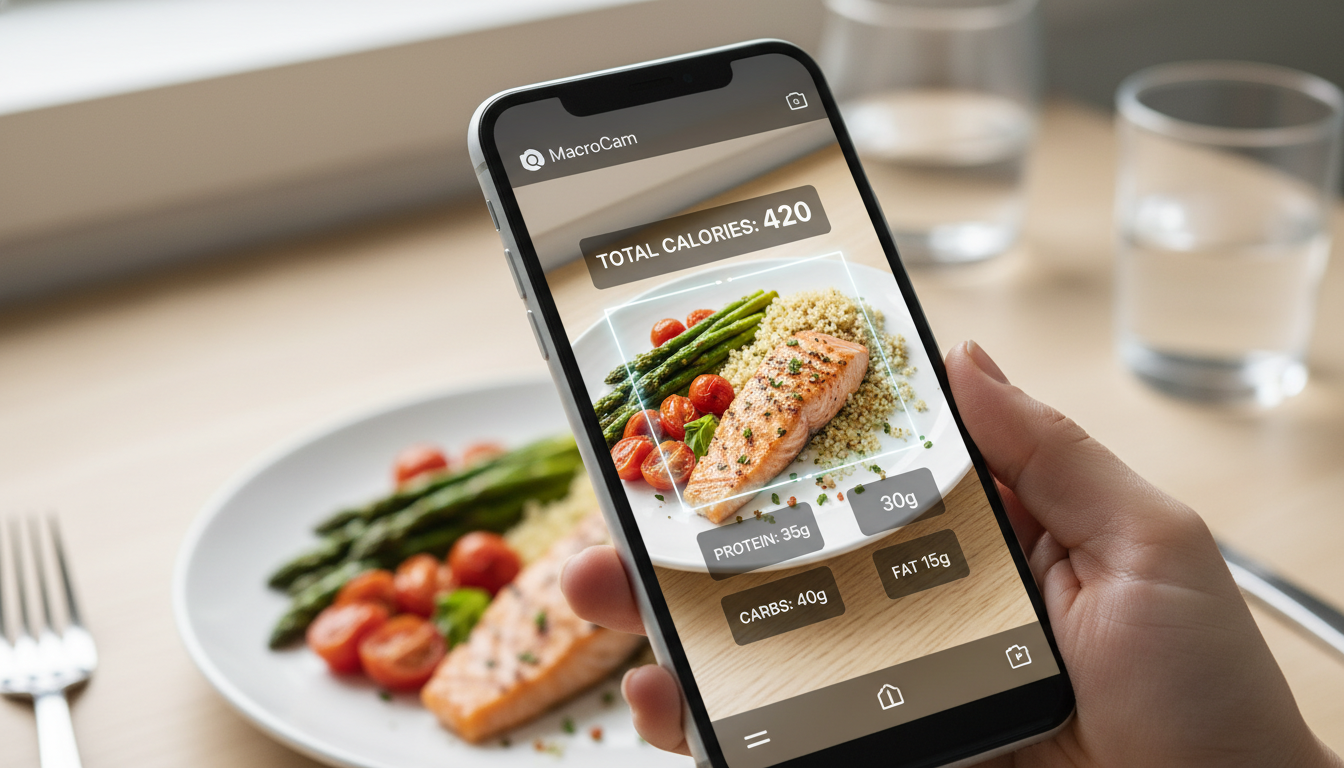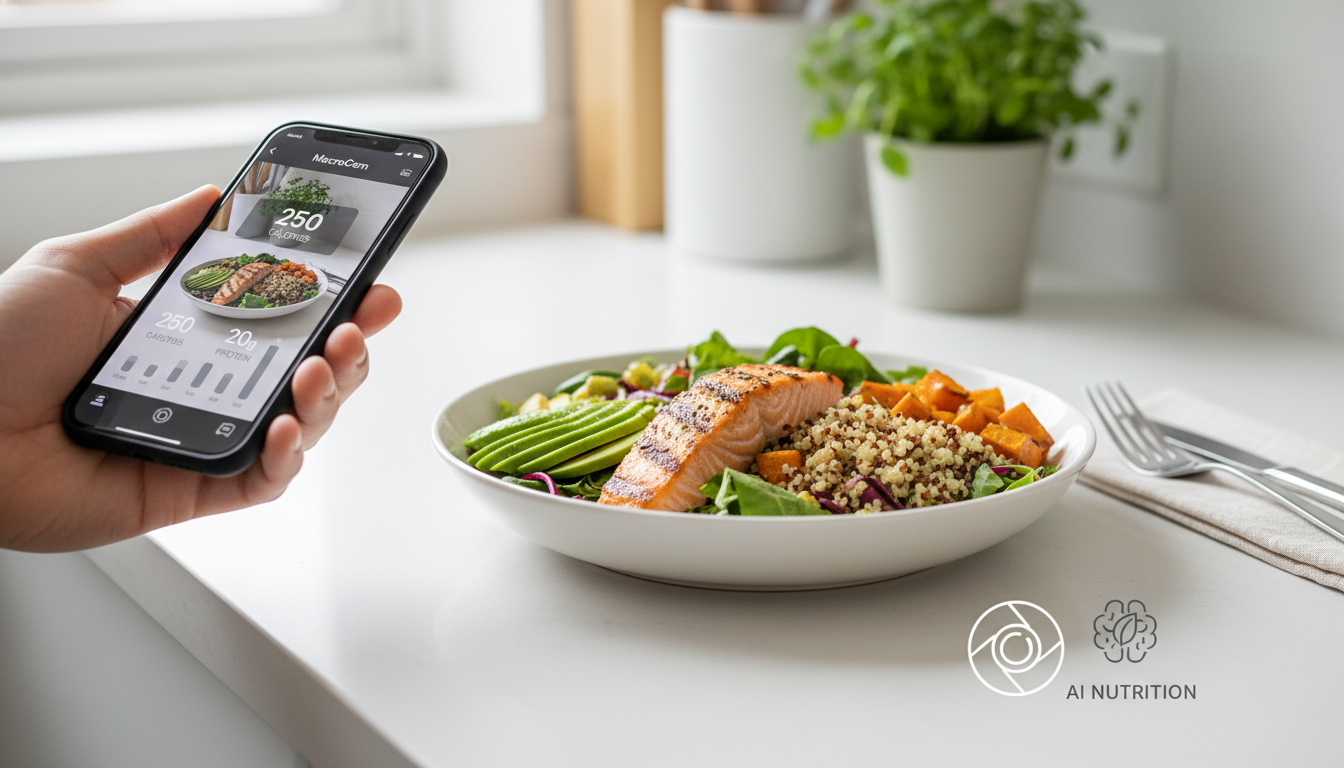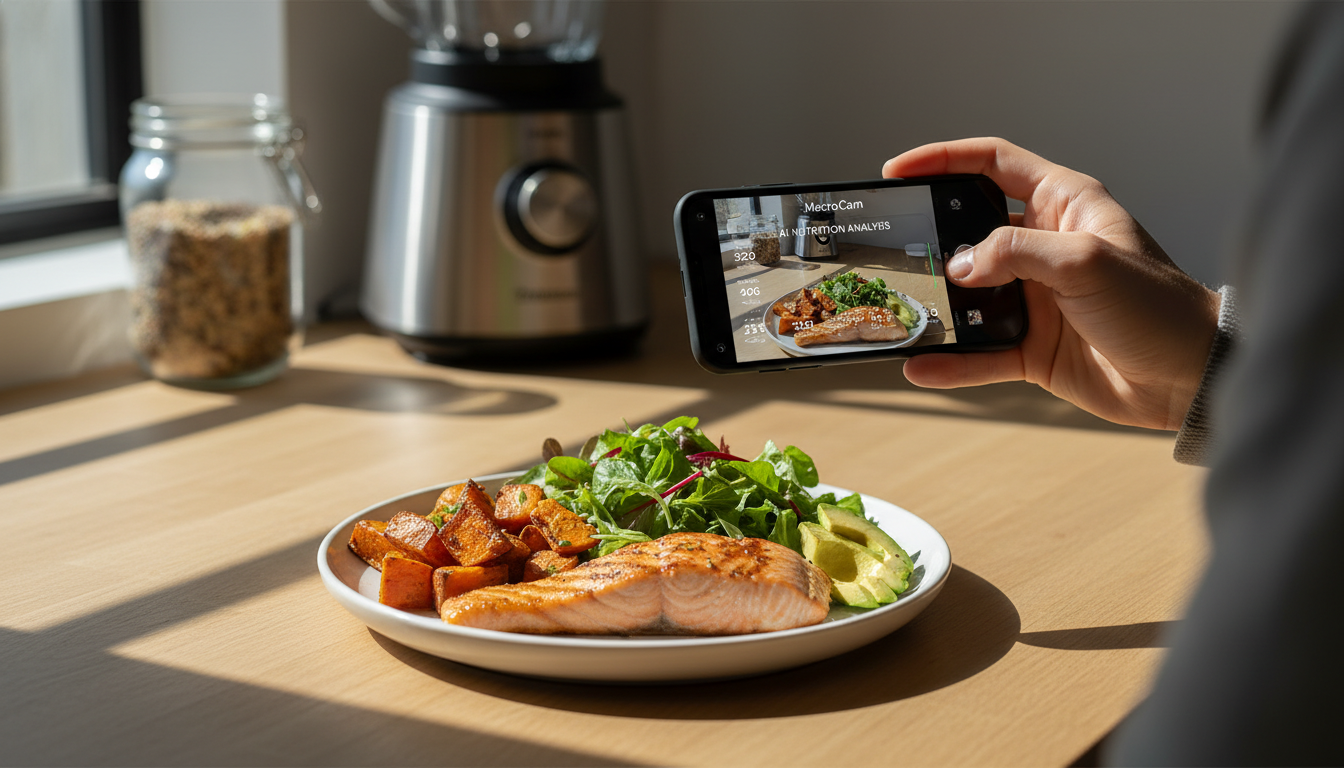
Tracking your nutrition can often feel overwhelming. Counting calories and managing macronutrients typically involves tedious label reading or manual entries. But what if you could simplify this process with just a photo? With a food photo calorie app like MacroCam, you can snap a picture of your meal and instantly receive a detailed breakdown of calories and macronutrients. This innovative tool makes it easier than ever to meet your dietary goals.
Table of Contents
- Why Use a Food Photo Calorie App?
- How MacroCam Works
- Benefits of Using MacroCam
- Practical Tips for Efficient Meal Tracking
- Understanding Your Caloric Needs
- Real-Life Applications of MacroCam
- Frequently Asked Questions
- Get Started with MacroCam
Why Use a Food Photo Calorie App?
The struggle with tracking nutrition can lead to frustration and inconsistency. Traditional methods often require precision and time-consuming efforts that discourage many. A food photo calorie app like MacroCam removes these barriers, allowing you to focus on what matters most—enjoying your meals.
Key Advantages:
- Instant Feedback: Get nutritional information immediately after taking a photo.
- User-Friendly: No need to memorize serving sizes or read labels meticulously.
- Enhanced Accuracy: Advanced AI minimizes human error in food identification.
How MacroCam Works
Using MacroCam is straightforward and user-friendly. The app utilizes sophisticated artificial intelligence to analyze your food photos. Here’s how you can get started:
Steps to Use MacroCam:
- Download the App: Available on the App Store.
- Take a Photo: Capture your meal from an overhead angle for best results.
- View Your Breakdown: Instantly receive calorie counts and macronutrient ratios.
Key Features:
| Feature | Description |
|---|---|
| Instant Analysis | Real-time nutritional information right at your fingertips. |
| Extensive Food Database | A comprehensive library of foods ensures accurate tracking. |
| Progress Visualization | Track your dietary habits over time with detailed graphs. |
Benefits of Using MacroCam
MacroCam offers numerous advantages that transform the way you approach your diet.
1. Convenience
- Forget lengthy entries or complex calculations. Just snap a photo of your plate.
2. Customization
- Tailor dietary goals to fit your lifestyle, whether it’s for weight loss, muscle gain, or maintenance.
3. Informed Choices
- Instant feedback empowers you to make healthier decisions, whether dining out or preparing meals at home.
4. Motivational Insights
- Visual progress tracking can enhance your commitment to maintaining a balanced diet.
Practical Tips for Efficient Meal Tracking
To make the most of MacroCam, keep these practical tips in mind:
-
Mind Your Portions:
- Use familiar objects for reference. For example, a serving of protein should be about the size of your palm.
-
Capture Multiple Angles:
- If your meal includes several components, take separate photos for accurate analysis.
-
Utilize Natural Lighting:
- Good lighting helps the app identify food items more accurately.
-
Stay Consistent:
- Make it a habit to log every meal for comprehensive tracking.
-
Review Your Data Regularly:
- Assess your dietary habits and make adjustments as needed.
Understanding Your Caloric Needs
Caloric needs vary based on factors like age, gender, activity level, and health goals. Here’s a quick overview of baseline caloric requirements:
| Activity Level | Estimated Daily Calories (Men) | Estimated Daily Calories (Women) |
|---|---|---|
| Sedentary | 2,400 - 2,600 | 1,800 - 2,000 |
| Moderately Active | 2,600 - 2,800 | 2,000 - 2,200 |
| Active | 2,800 - 3,000 | 2,200 - 2,400 |
Key Stats:
- According to the CDC, approximately 40% of adults are trying to lose weight (source: CDC).
- A study published in the Journal of Nutrition found that visual food diaries enhance self-monitoring and adherence to dietary goals (source: Journal of Nutrition).
Real-Life Applications of MacroCam
Imagine dining out and being unsure of a dish’s nutritional content. With MacroCam, you can take a quick photo to get insights, helping you make informed choices. Here are a few practical scenarios:
Practical Scenarios:
- Meal Prepping: Capture images of your weekly meal prep to keep track of macros.
- Dining Out: Evaluate menu items before placing your order.
- Family Meals: Track the nutritional content of family dinners, ensuring everyone enjoys a balanced plate.
Frequently Asked Questions
How accurate is MacroCam?
MacroCam uses a vast database and advanced algorithms for analysis. While it aims for high accuracy, results can vary based on food type and portion size.
Can I customize my dietary goals?
Yes! You can set specific macronutrient ratios and caloric targets to meet your unique health objectives.
Is MacroCam suitable for all dietary preferences?
Absolutely! MacroCam accommodates various dietary choices, including vegetarian, vegan, and keto, by recognizing a wide array of foods.
What if I consume something not in the database?
You can manually add custom foods and their nutritional information to ensure precise tracking.
Get Started with MacroCam
Effortlessly tracking your nutrition can transform your eating habits. With MacroCam, you can simplify this process and gain valuable insights into your dietary choices. Whether you’re looking to lose weight, gain muscle, or maintain a healthy lifestyle, this food photo calorie app can be a valuable ally.
Ready to take control of your nutrition journey? Download MacroCam from the App Store today and start snapping your way to better health!