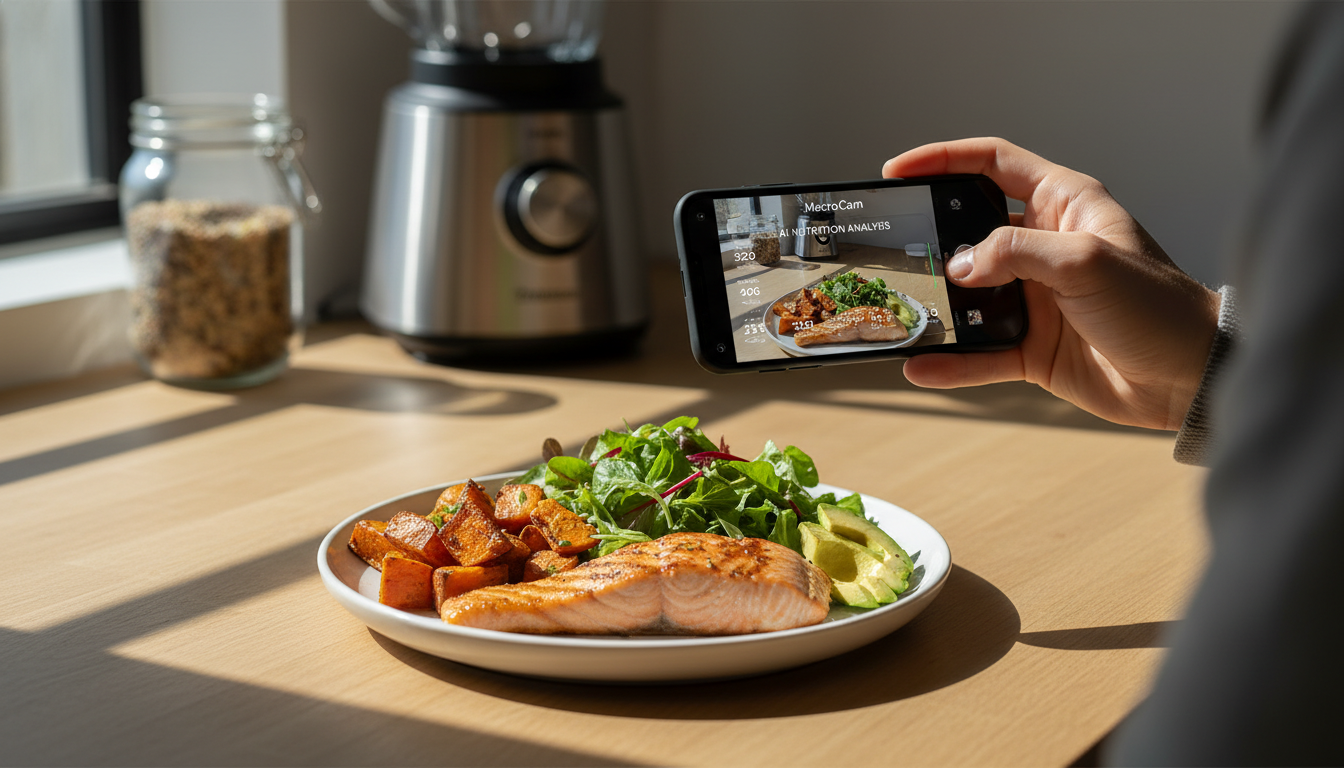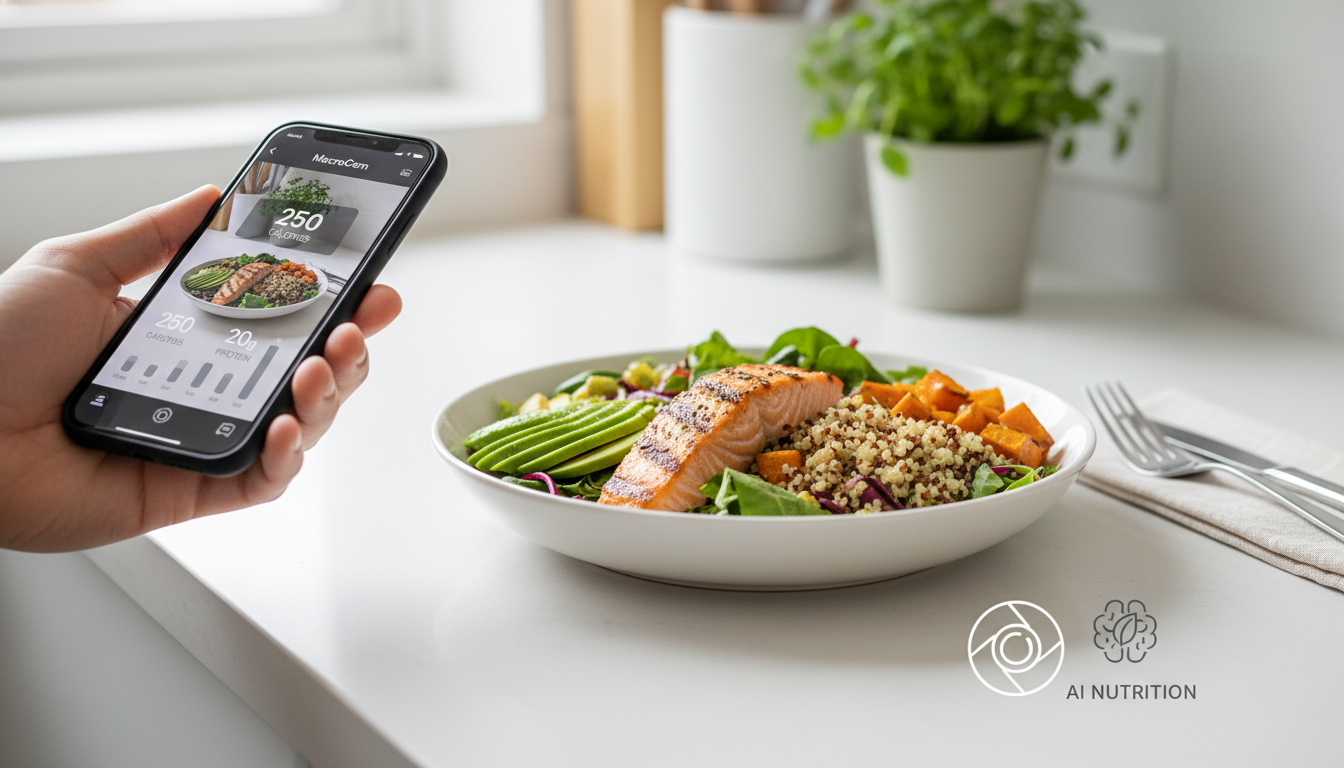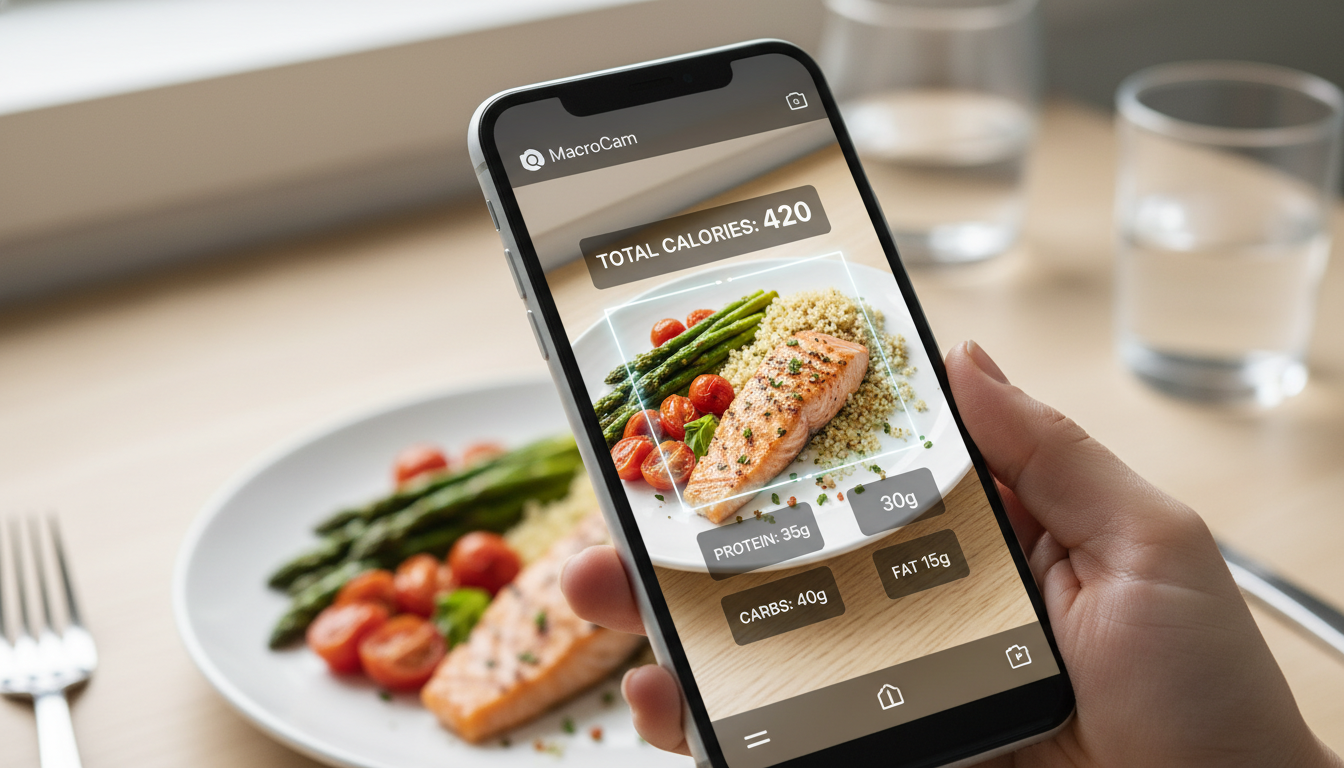
Imagine snapping a quick photo of your meal and instantly receiving a detailed breakdown of its calorie content and macronutrients. That’s the magic of the MacroCam app—a revolutionary food photo calorie app that simplifies dietary tracking and helps you stay on top of your nutrition goals with minimal effort.
Table of Contents
- Why Choose a Food Photo Calorie App?
- How MacroCam Works
- Key Features of MacroCam
- Benefits of Using MacroCam
- Practical Tips for Effective Meal Tracking
- Addressing Common Concerns
- Frequently Asked Questions
- Download MacroCam
Why Choose a Food Photo Calorie App?
Tracking your food intake can often feel tedious and overwhelming. Studies indicate that around 60% of people underestimate their calorie consumption when logging meals manually (source: AOL.com). This discrepancy can hinder your weight management efforts and lead to frustration.
By using a food photo calorie app like MacroCam, you eliminate the guesswork involved in traditional tracking methods. With just a photo, you gain access to accurate nutritional information, allowing for better dietary decisions.
How MacroCam Works
Using MacroCam is straightforward and efficient. Here’s how to get started:
- Snap a Photo: Open the app and take a picture of your meal in good lighting.
- AI Analysis: The app’s advanced AI analyzes the image to identify food items.
- Nutrition Breakdown: Receive a detailed report on calories, protein, carbs, and fats in seconds.
This simple process allows you to keep a close eye on your dietary intake without the hassle of manual entries.
Key Features of MacroCam
MacroCam is equipped with features that elevate your food tracking experience:
- Instant Calorie Counts: Get calorie estimates immediately after taking a photo.
- Macro Tracking: Understand your intake of proteins, carbohydrates, and fats.
- Customizable Database: Easily add your favorite foods for quick future access.
- Meal History Tracking: Review past meals to identify eating trends.
- User-Friendly Interface: Navigate the app with ease, making it simple to log meals.
| Feature | Description |
|---|---|
| Instant Analysis | Real-time calorie and macro breakdown |
| Image Recognition | Advanced AI identifies food items accurately |
| Custom Food Database | Add and save frequently consumed meals for quick access |
| Historical Tracking | View past meals to monitor dietary habits |
| User-Friendly Design | Intuitive interface for effortless navigation |
Benefits of Using MacroCam
Adopting a food photo calorie app like MacroCam comes with multiple advantages:
- Time-Saving: Forget about tedious manual entries; just snap and go.
- Increased Accuracy: AI-driven analysis minimizes human error in calorie counting.
- Promotes Mindful Eating: Immediate feedback encourages better food choices.
- Goal Tracking: Whether your aim is weight loss, maintenance, or gain, MacroCam keeps you accountable.
In fact, research shows that individuals who consistently log their meals tend to lose more weight than those who don’t (source: AOL.com). The reliable tracking that MacroCam offers can significantly improve your health journey.
Practical Tips for Effective Meal Tracking
Maximize your experience with MacroCam by following these actionable tips:
- Capture Clear Photos: Ensure your meal is well-lit and in focus for accurate analysis.
- Log All Meals: Make it a habit to document every meal, not just the ones you perceive as unhealthy.
- Review Your Meal History: Regularly analyze past meals to recognize patterns and make improvements.
- Practice Portion Control: Familiarize yourself with serving sizes to enhance accuracy in your photos.
- Stay Consistent: Make meal logging a part of your routine to effectively reach your dietary goals.
Addressing Common Concerns
Accuracy of Calorie Counts
With ongoing debates regarding the reliability of food labels, it’s natural to question the accuracy of calorie counts. Misleading food labels can create discrepancies (source: AOL.com). The good news is that MacroCam’s AI continuously learns from user feedback and maintains an extensive food database, enhancing its reliability over time.
Privacy and Data Security
Your privacy is paramount. MacroCam implements strong security measures to safeguard your personal information. Always review the privacy policy to understand how your data will be used and stored.
Frequently Asked Questions
What types of food can I log with MacroCam?
You can log nearly any type of food, including meals from restaurants, homemade dishes, and snacks. The app is designed to recognize a vast array of food items.
Is MacroCam suitable for special diets?
Absolutely! Whether you’re following a keto, vegan, or gluten-free diet, MacroCam allows you to customize your food entries to meet your specific dietary requirements.
How accurate are the macro breakdowns?
While no method is completely infallible, MacroCam utilizes advanced algorithms for accurate macro breakdowns based on the photos you upload. Continuous updates help enhance the app’s performance.
Download MacroCam
MacroCam is transforming the way you approach meal tracking. With its intelligent technology, you can effortlessly monitor your calorie and macro intake, making it easier to align with your health goals. Experience the benefits of modern food logging with this innovative app.
Ready to streamline your meal tracking? Download MacroCam now on the App Store and take your first step toward a more mindful eating experience.