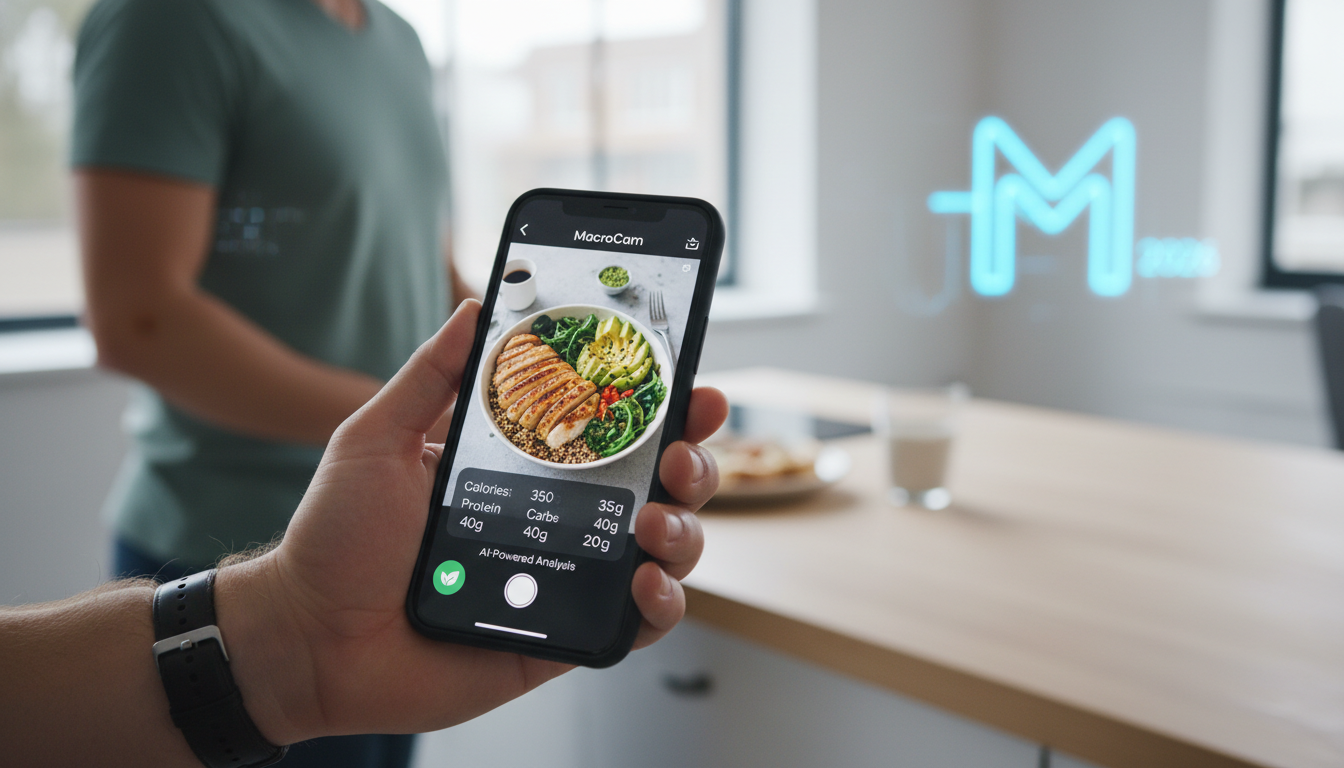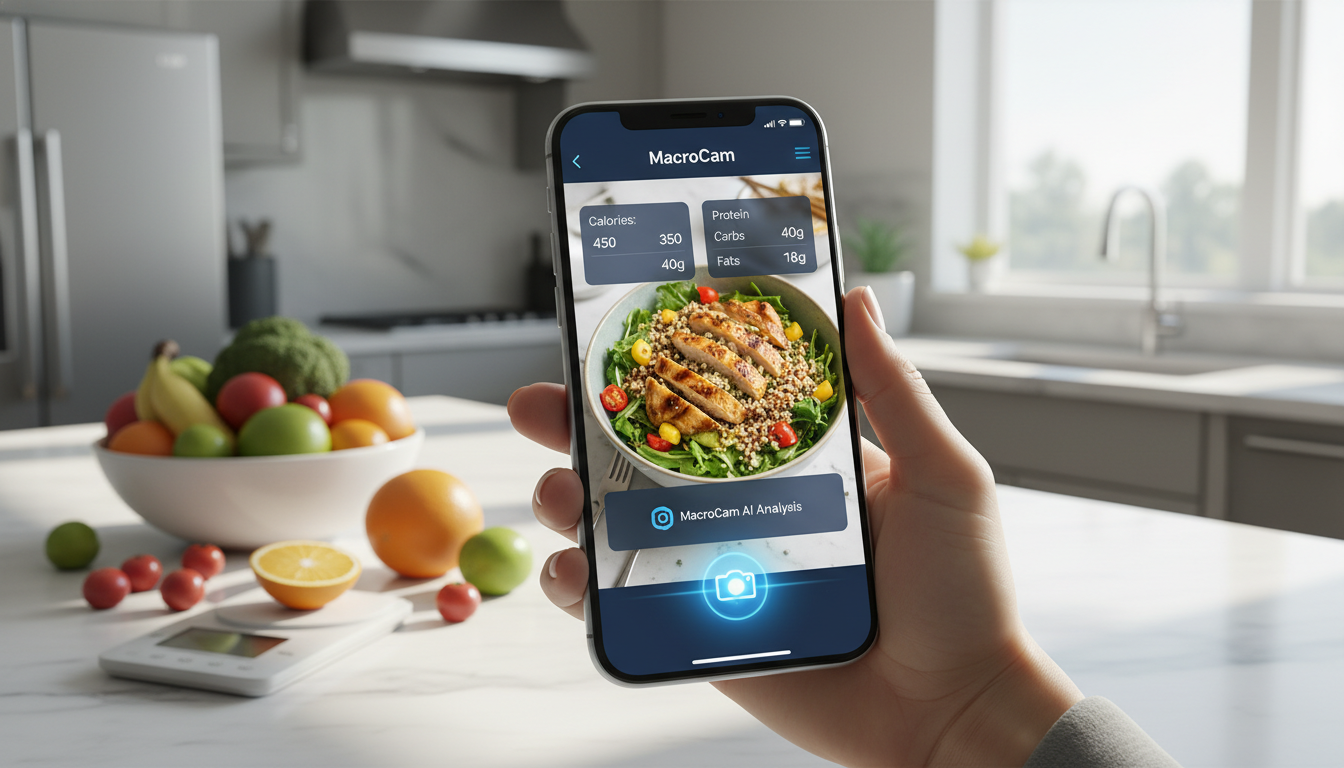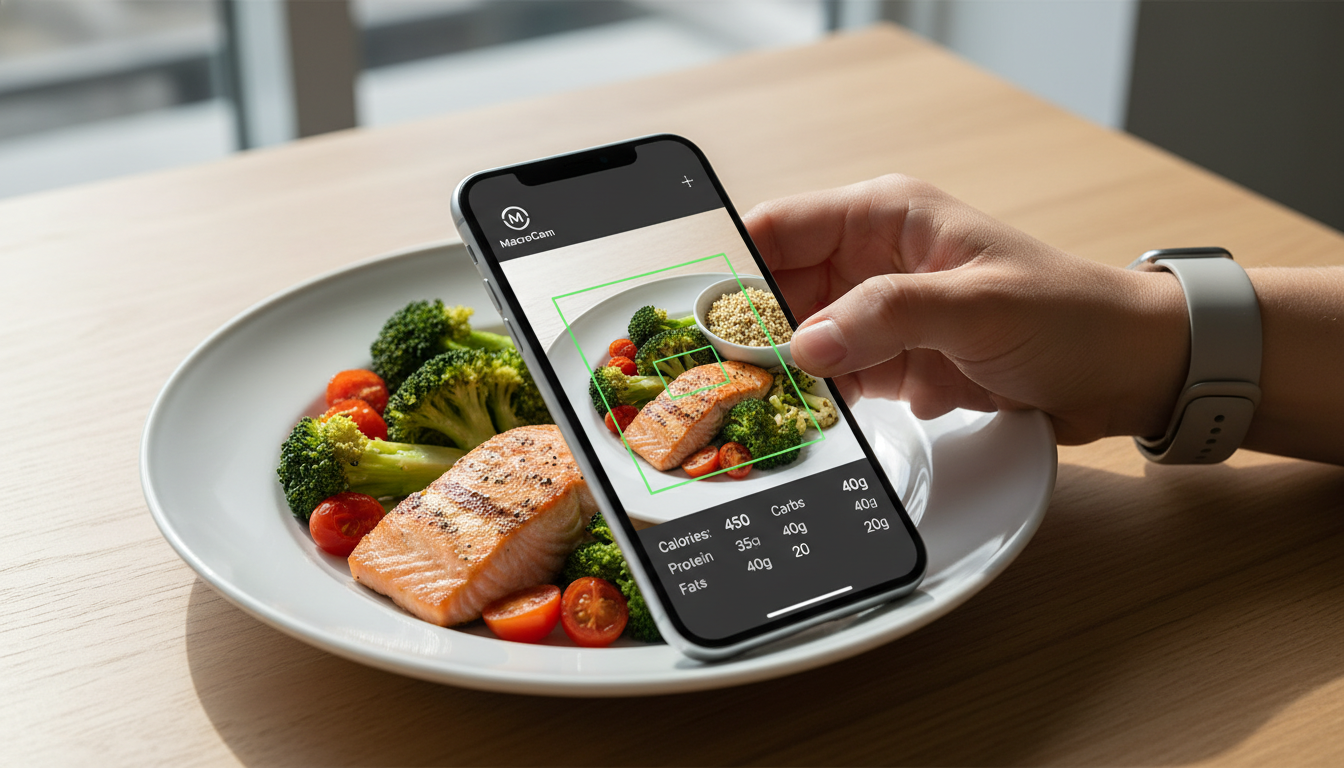
Tracking your nutritional intake has never been easier, thanks to MacroCam—the best calorie app 2026 offers. With its innovative photo recognition technology, you can simply snap a picture of your meal and receive instant calorie and macro breakdowns. This revolutionary approach eliminates the tedious task of manual logging, allowing you to focus on enjoying your meals while staying on track with your dietary goals.
This blog post dives into what makes MacroCam so special, compares it with other popular calorie tracking apps, and provides actionable tips to maximize your experience.
Table of Contents
- Key Features of MacroCam
- How MacroCam Compares to Other Calorie Tracking Apps
- Practical Tips for Using MacroCam
- User Experience and Feedback
- FAQs about MacroCam
- Conclusion and Download Link
Key Features of MacroCam
1. Instant Photo Recognition
MacroCam’s standout feature is its ability to recognize food through photos. By simply taking a picture of your meal, the app analyzes the contents and provides a comprehensive breakdown of calories and macronutrients. This feature saves time and reduces the chance of errors common in manual logging.
2. Comprehensive Macro Breakdown
In addition to calorie counts, MacroCam breaks down macronutrients—proteins, fats, and carbohydrates. This is crucial for anyone aiming to tailor their diet to specific nutritional goals, be it weight loss, muscle gain, or overall health.
3. User-Friendly Interface
The app boasts a clean, intuitive design, making meal tracking quick and easy. Its layout allows you to focus on your food rather than navigating a complicated interface, which is often a hurdle in other apps.
4. Personalized Recommendations
MacroCam uses your dietary habits and goals to offer tailored suggestions for what to eat next. This personalized touch encourages healthier choices and makes it easier to stick to your nutritional plans.
5. Community and Support
The app fosters a sense of community among users, allowing you to share tips, recipes, and motivation. Engaging with others can enhance your commitment to your dietary goals and offer valuable support.
How MacroCam Compares to Other Calorie Tracking Apps
Recent reviews highlight several strong contenders in the calorie tracking space for 2026. However, MacroCam consistently ranks at the top for several reasons. Here’s a comparative look at MacroCam against some competitors:
| Feature | MacroCam | Competitor A | Competitor B |
|---|---|---|---|
| Photo Recognition | Yes | No | No |
| Macro Breakdown | Yes | Yes | Limited |
| User Interface | Intuitive | Complex | Moderate |
| Personalized Tips | Yes | No | Yes |
| Community Support | Yes | Limited | No |
Why Choose MacroCam?
- Efficiency: The photo recognition feature saves you time, allowing you to focus on enjoying your meals rather than logging them.
- Accuracy: The AI technology behind MacroCam delivers reliable nutritional information, making it a trustworthy tool for tracking your intake.
- Supportive Community: Engaging with fellow users can provide you with encouragement and accountability, which are essential for long-term success.
Practical Tips for Using MacroCam
To get the most out of MacroCam, consider these actionable tips:
- Take Clear Photos: Ensure your food is well-lit and in focus for accurate recognition. Avoid cluttered backgrounds that can confuse the app.
- Regular Tracking: Consistency is vital. Log every meal to identify patterns in your eating habits and adjust as necessary.
- Set Realistic Goals: Use the app to set achievable dietary targets, whether it’s weight loss, muscle gain, or maintaining your current weight.
- Engage with the Community: Don’t hesitate to share your experiences and seek advice from other users. Engaging with others can add motivation.
- Explore Recipes: Utilize the app’s suggestions to try new meals that fit your nutritional needs, making it easier to stick to your goals.
User Experience and Feedback
MacroCam has garnered positive feedback from users who appreciate its simplicity and effectiveness. Many report significant improvements in their eating habits after incorporating the app into their routines.
User Testimonials
- Emily R.: “The photo feature has completely changed how I track my meals. I love how fast and easy it is!”
- James T.: “It feels like having a nutritionist in my pocket. The personalized tips are a game-changer.”
FAQs about MacroCam
Is MacroCam free to use?
Yes, MacroCam offers a free version with basic features. Premium options are available for those seeking advanced functionalities.
Can I use MacroCam without an internet connection?
While some features require internet access for photo recognition, you can log meals offline, and the data will sync once you’re online again.
How accurate is the calorie counting?
MacroCam utilizes advanced AI to analyze photos and calculate nutritional values, making it highly accurate compared to traditional manual entry methods.
Can I track my water intake with MacroCam?
Yes, MacroCam includes features for tracking hydration alongside your food intake, ensuring a comprehensive view of your dietary habits.
How does MacroCam ensure user privacy?
MacroCam is committed to user privacy and security. The app does not share personal data with third parties without explicit consent.
Conclusion and Download Link
MacroCam stands out as the best calorie app 2026 has to offer, thanks to its innovative photo recognition technology and user-friendly design. Whether your goal is weight loss, muscle gain, or simply healthier eating habits, MacroCam makes it easier to stay accountable and informed about your nutrition.
Ready to transform your dietary tracking? Download MacroCam from the App Store today: Download MacroCam. With just a snap, you’ll be on your way to better eating habits and achieving your health goals.