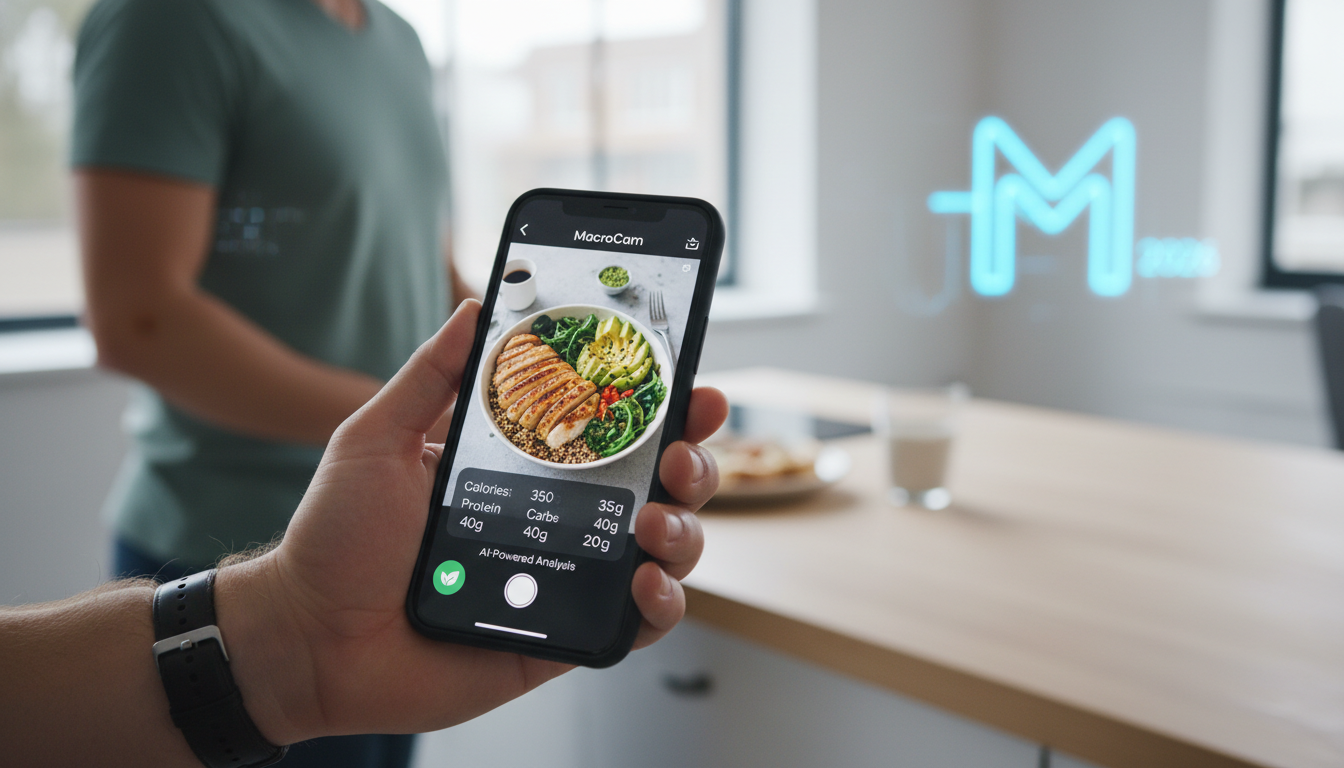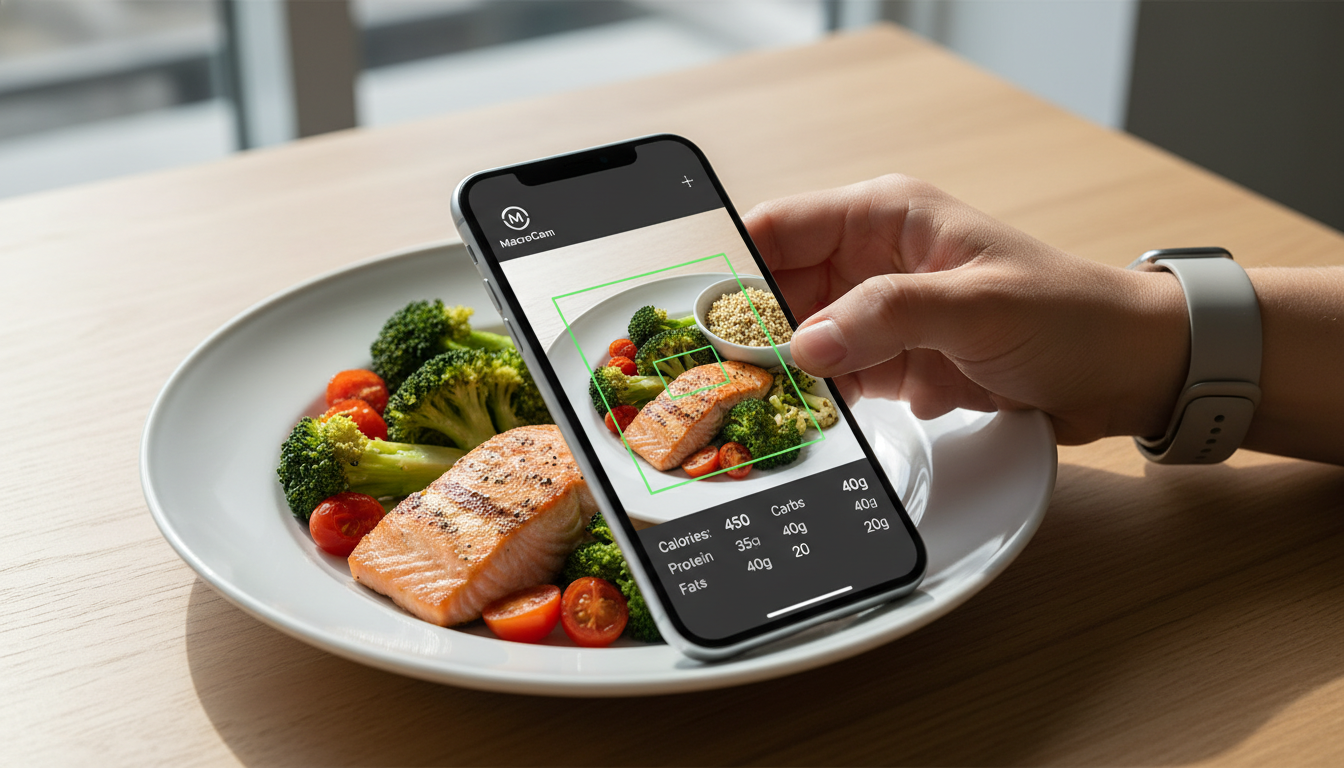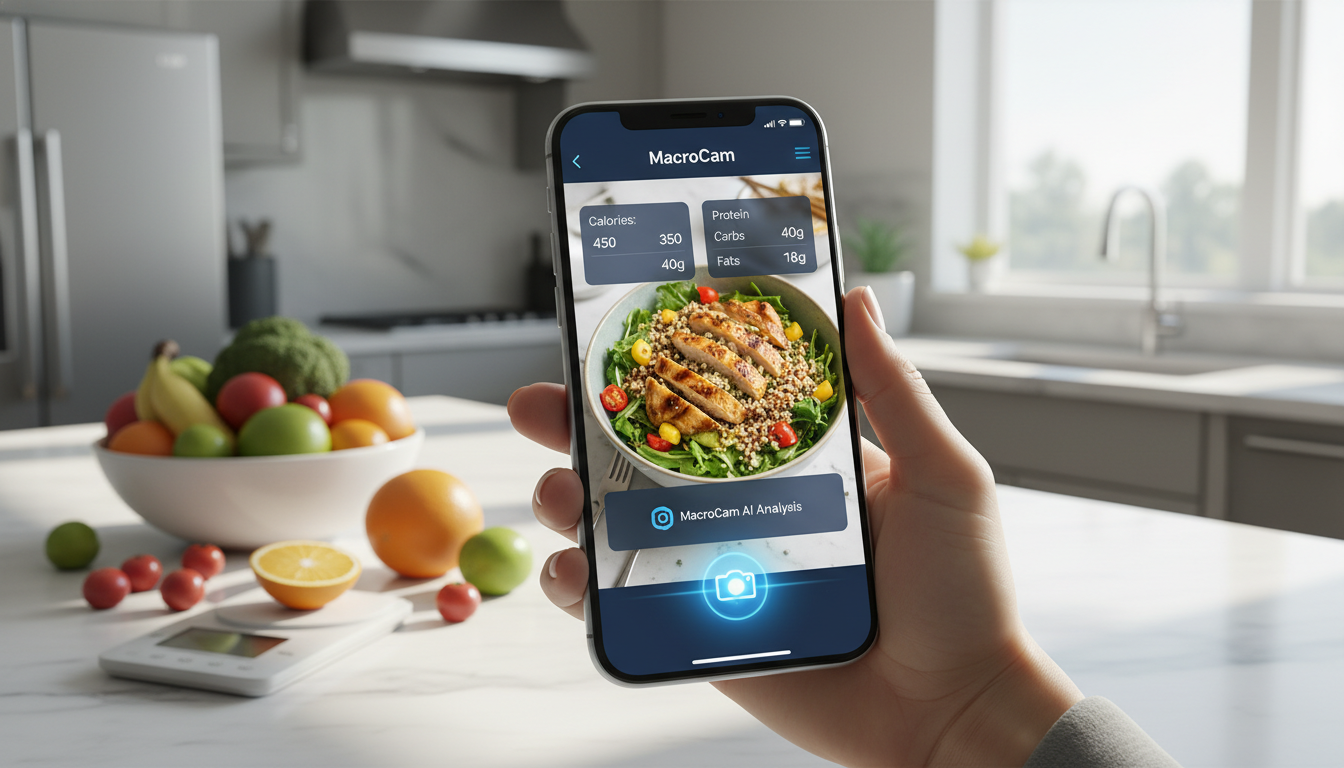
Choosing the right calorie tracking app can dramatically impact your health journey. Among the myriad of options available, MacroCam emerges as the standout choice for 2026. This innovative app allows you to snap a photo of your meal and instantly receive a detailed breakdown of calories and macros, making it an easy and efficient tool for anyone serious about their nutrition.
Table of Contents
- What Makes MacroCam Unique
- Key Features of MacroCam
- How to Use MacroCam Effectively
- Comparative Analysis with Other Apps
- User Experience and Feedback
- Frequently Asked Questions
- Wrap Up and Download CTA
What Makes MacroCam Unique
MacroCam sets itself apart with its groundbreaking AI technology that allows you to track your meals simply by taking a photo. This feature eliminates the tedious manual entry often required in traditional calorie counting apps, making it a favorite among those who value efficiency.
Key Advantages
- Instant Analysis: Get immediate feedback on the nutritional content of your meals.
- User-Friendly Design: The app’s interface is intuitive, ensuring you can navigate it with ease.
- Personalized Insights: Receive tailored recommendations based on your dietary preferences and health goals.
Key Features of MacroCam
The features of MacroCam are designed to enhance your calorie tracking experience significantly. Here are some of its most impressive capabilities:
1. Photo Recognition Technology
With this feature, you can snap a picture of any meal, and the app will deliver a comprehensive nutritional breakdown within seconds.
| Feature | Description |
|---|---|
| AI-Powered Recognition | Accurately identifies food items and ingredients. |
| Nutritional Breakdown | Supplies calories, protein, carbohydrates, and fats instantly. |
2. Meal Logging
MacroCam offers a meal history log, allowing you to track and review your eating habits over time.
3. Goal Setting
Set specific health and fitness goals, whether you’re looking to lose weight, gain muscle, or maintain your current status. MacroCam will provide guidance tailored to your objectives.
4. Community Engagement
Join a community of health-minded users sharing tips, recipes, and motivation, enhancing your commitment to your nutrition goals.
How to Use MacroCam Effectively
To get the most out of MacroCam, consider these practical tips:
- Take Clear Photos: Ensure good lighting and a clear focus on your meal for optimal recognition accuracy.
- Log Regularly: Develop a habit of documenting every meal to monitor your progress effectively.
- Review Insights: Use the nutritional breakdowns to identify areas for dietary improvement and adjust your macros as needed.
- Engage with the Community: Connect with other users for support and inspiration on your health journey.
Comparative Analysis with Other Apps
When assessing the best calorie app for 2026, it’s crucial to see how MacroCam compares to its competitors. Here’s a breakdown of some popular alternatives:
| App Name | Unique Feature | Price | User Rating |
|---|---|---|---|
| MacroCam | Instant photo recognition | Free with premium options | 4.8/5 |
| MyFitnessPal | Extensive food database | Free with ads, Premium available | 4.7/5 |
| Lose It! | Goal-oriented tracking | Free with ads, Premium available | 4.5/5 |
| Cronometer | In-depth micronutrient tracking | Free with premium options | 4.6/5 |
While many apps require manual entries or extensive food searches, MacroCam’s photo recognition feature makes tracking a breeze, allowing you to focus more on meal preparation and less on data entry.
User Experience and Feedback
Feedback from users highlights the efficiency and simplicity of MacroCam. Many appreciate how it streamlines the calorie counting process, which can often feel overwhelming.
Positive Aspects:
- Convenience: Users love the speed of logging meals.
- Time-Saving: The app reduces time spent on manual entries, allowing for more focus on actual meal prep.
Areas for Improvement:
- Database Expansion: Some users wish for a broader selection of food items for even more precise tracking.
- Integration with Wearables: Enhancements to sync with fitness devices could provide a more comprehensive health overview.
Frequently Asked Questions
Is MacroCam free to use?
Yes, MacroCam is free to download, with optional premium features available for enhanced functionality.
How accurate is the photo recognition?
The app’s AI technology is highly accurate, although results may vary based on photo quality and meal complexity.
Can I track my workouts in MacroCam?
Currently, MacroCam focuses primarily on nutrition tracking. Users can log workouts in the app, but its main function is calorie and macro counting.
What are the benefits of using MacroCam over traditional calorie counting methods?
MacroCam offers unparalleled convenience by allowing users to log meals quickly through photos, minimizing the time and errors often associated with traditional tracking methods.
Wrap Up and Download CTA
MacroCam stands out as the best calorie app for 2026, thanks to its innovative features and user-friendly design. By simplifying meal logging with its photo recognition technology, it allows you to concentrate on reaching your health goals without the hassle of manual data entry.
Ready to elevate your nutritional tracking experience? Download MacroCam today from the App Store and take the first step towards a healthier lifestyle!