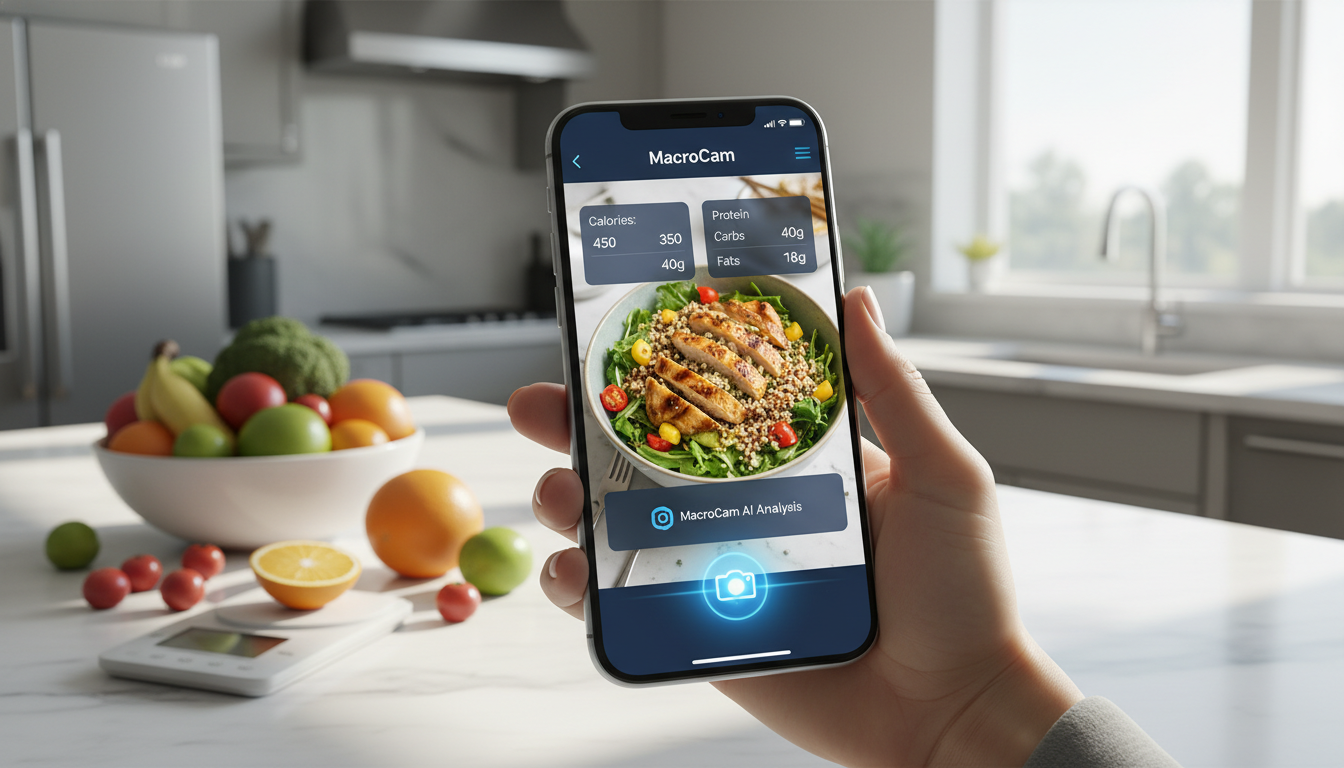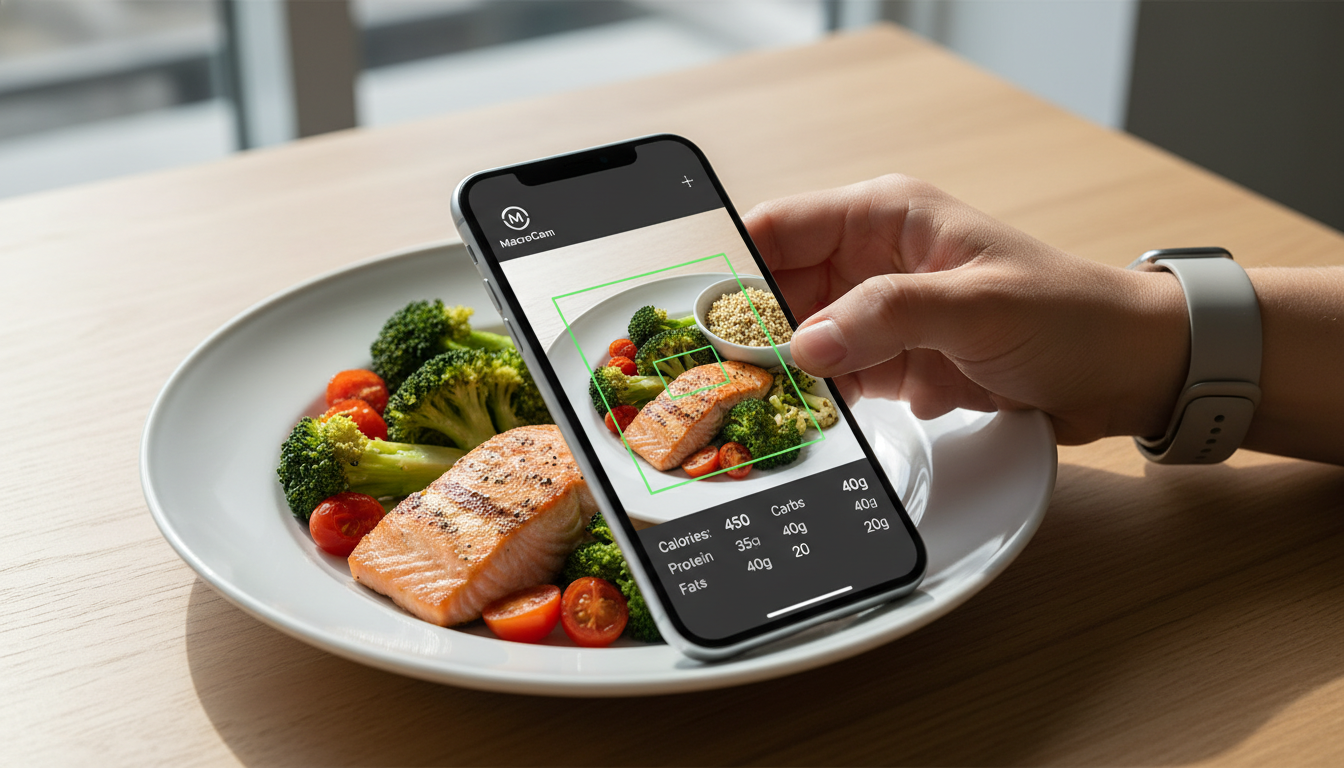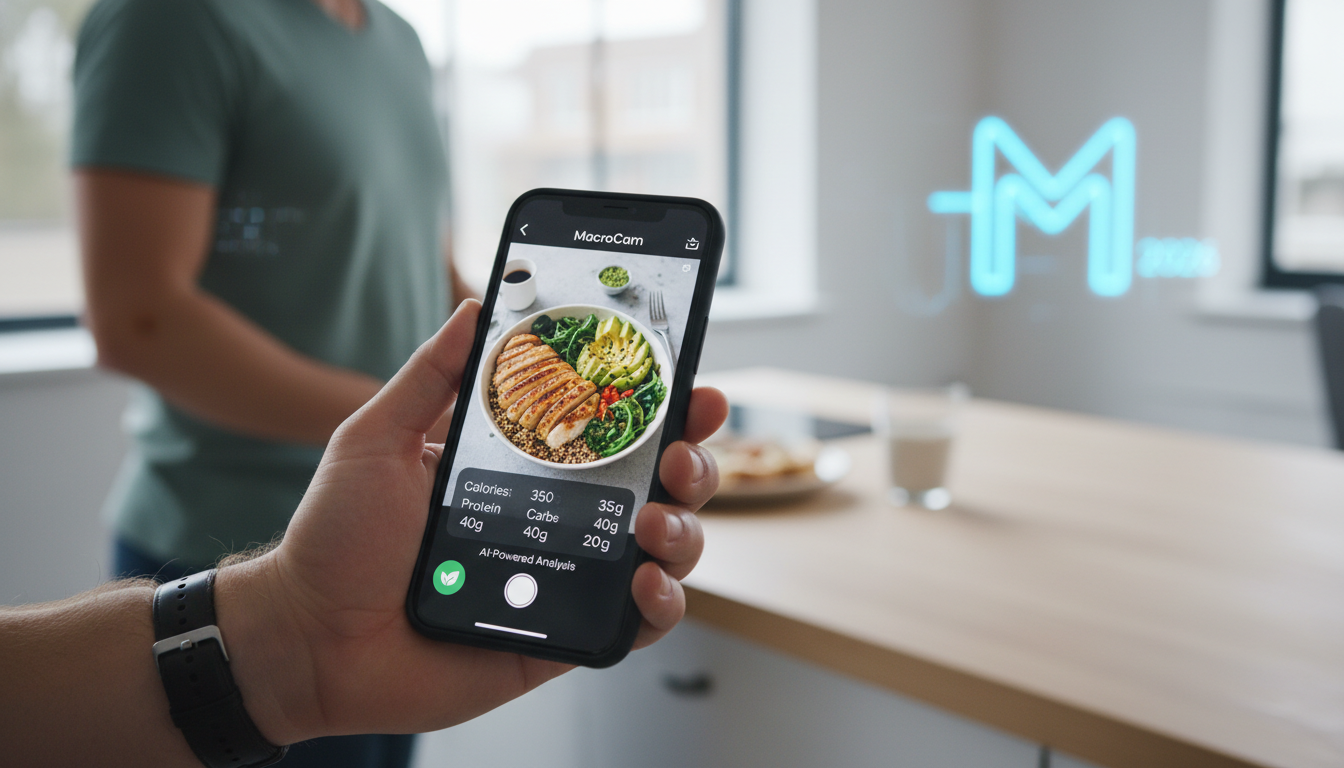
If you’re looking for an effective way to manage your calorie intake and track macronutrients, MacroCam stands out as the best calorie app of 2026. This innovative application allows users to snap a photo of their meals and receive an instant breakdown of calories and macros, all powered by advanced AI technology. With its user-friendly interface and practical features, MacroCam is transforming the way health enthusiasts approach nutrition.
Table of Contents
- What Makes MacroCam Unique?
- Key Features of MacroCam
- Practical Tips for Using MacroCam
- Comparative Analysis with Other Calorie Apps
- User Experiences
- FAQs
- Final Thoughts and Download Link
What Makes MacroCam Unique?
In a saturated market of calorie counting apps, MacroCam distinguishes itself through its photo-based tracking feature. This allows users to simply take a picture of their meal, eliminating tedious manual entries. The app’s AI capabilities not only recognize various foods but also estimate portion sizes, making it easier than ever to keep an accurate record of your nutrition.
According to a recent review by Fortune, MacroCam has been highlighted as a top choice for 2026 due to its practical application and user-friendly design. The ability to receive immediate nutritional analysis reduces the time and effort typically needed for tracking, making it an efficient tool for both beginners and seasoned fitness enthusiasts.
Key Features of MacroCam
1. Instant Photo Analysis
- Quick Feedback: Snap a photo of your meal to receive immediate nutritional information.
- AI Technology: The app identifies food items and estimates portion sizes with impressive accuracy.
2. Extensive Food Database
- Comprehensive Library: MacroCam includes a wide range of food items, from common groceries to complex restaurant dishes.
- Regular Updates: The database is frequently refreshed to include new food trends and options.
3. Customization Options
- Personalized Goals: Set specific calorie and macro goals tailored to your dietary needs.
- Flexible Tracking: Whether you’re on a keto, vegan, or balanced diet, MacroCam accommodates various dietary restrictions.
4. Progress Monitoring
- Daily Logs: Keep track of your meals and macronutrient intake over time.
- Visual Graphs: Engaging visual representations help you monitor your progress and stay motivated.
5. Community Engagement
- Social Features: Connect with friends and share achievements to foster a supportive environment.
- Expert Insights: Access articles and tips from nutritionists and fitness experts within the app.
Practical Tips for Using MacroCam
To maximize your experience with MacroCam and ensure accurate tracking, consider these practical strategies:
- Ensure Good Lighting: Clear photos improve food recognition accuracy. Take pictures in well-lit areas.
- Utilize the Food Library: If a food item isn’t recognized, you can manually search the extensive database for a match.
- Log All Meals: Consistency is vital. Don’t forget to log snacks or small meals, as they contribute to your overall intake.
- Review Progress Weekly: Regularly assess your logs and visual graphs to adjust your diet as needed.
Comparative Analysis with Other Calorie Apps
When comparing MacroCam to other popular calorie counting apps, several features set it apart:
| Feature | MacroCam | Competitor A | Competitor B |
|---|---|---|---|
| Photo Recognition | Yes | No | Yes |
| Customization Options | High | Medium | Low |
| Community Features | Yes | No | Yes |
| Progress Tracking | Advanced | Basic | Advanced |
| Food Database | Extensive | Moderate | Extensive |
According to insights from Fortune, MacroCam’s unique photo recognition capability significantly enhances user engagement, providing a modern approach to meal tracking.
User Experiences
Feedback from users highlights the app’s effectiveness and appeal:
- Emma R.: “MacroCam has made tracking my meals so simple! The AI is impressively accurate and saves me so much time.”
- Jake L.: “I’ve tried many calorie apps, but MacroCam is the best. The community keeps me motivated and accountable!”
- Sophie K.: “The progress tracking features are excellent. I can clearly see my improvements over time.”
FAQs
Is MacroCam suitable for beginners?
Absolutely! The intuitive design makes it perfect for anyone starting their calorie-tracking journey.
Can I use MacroCam for specific diets like keto or vegan?
Yes, MacroCam allows you to customize your tracking according to various dietary preferences and goals.
How does the AI recognize food items?
The app utilizes machine learning algorithms to analyze food photos and match them with its extensive database.
Is there a subscription fee?
MacroCam offers a free version with essential features, along with premium options for advanced functionalities.
Final Thoughts and Download Link
MacroCam is a leading contender for the best calorie app of 2026, thanks to its innovative photo-based tracking and user-friendly interface. Whether you’re just starting or are a seasoned fitness enthusiast, it simplifies calorie counting and helps you stay aligned with your nutritional goals.
Ready to enhance your nutrition tracking experience? Download MacroCam today from the App Store and embrace the future of calorie management!