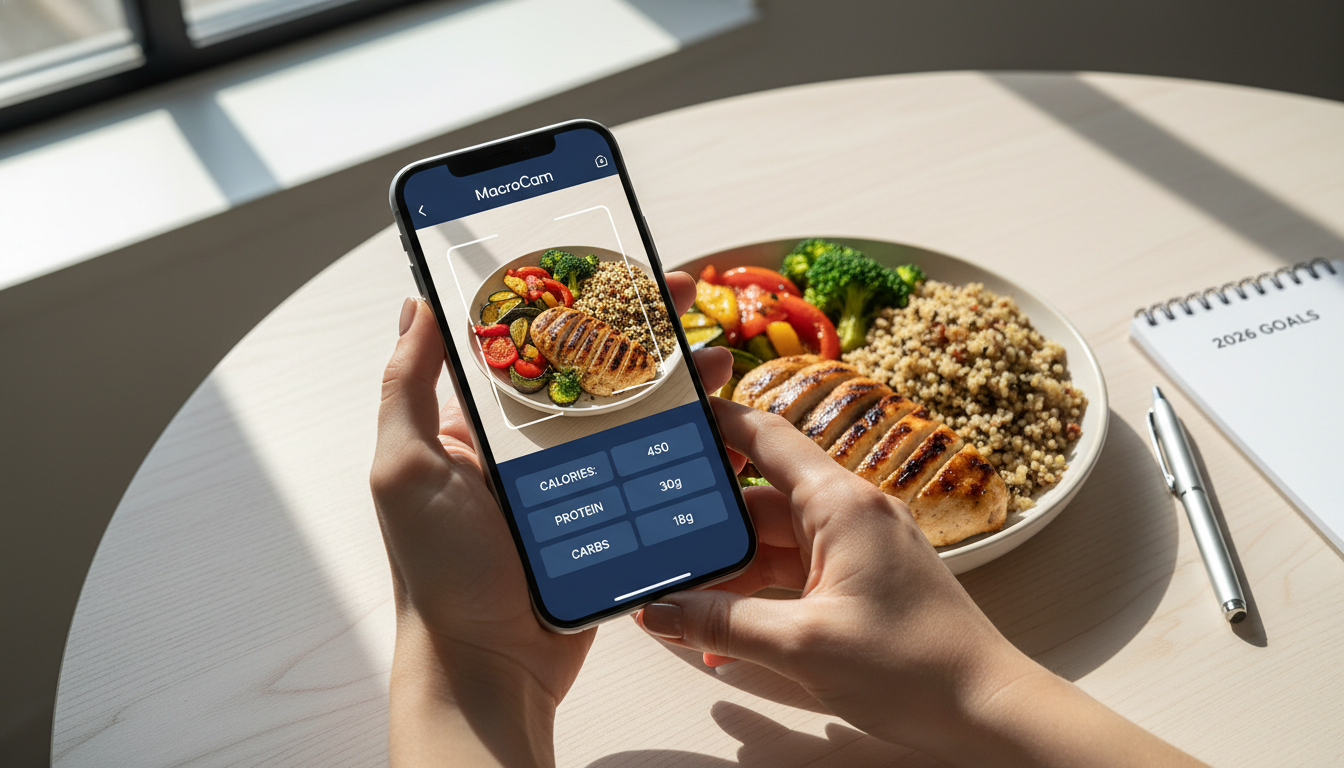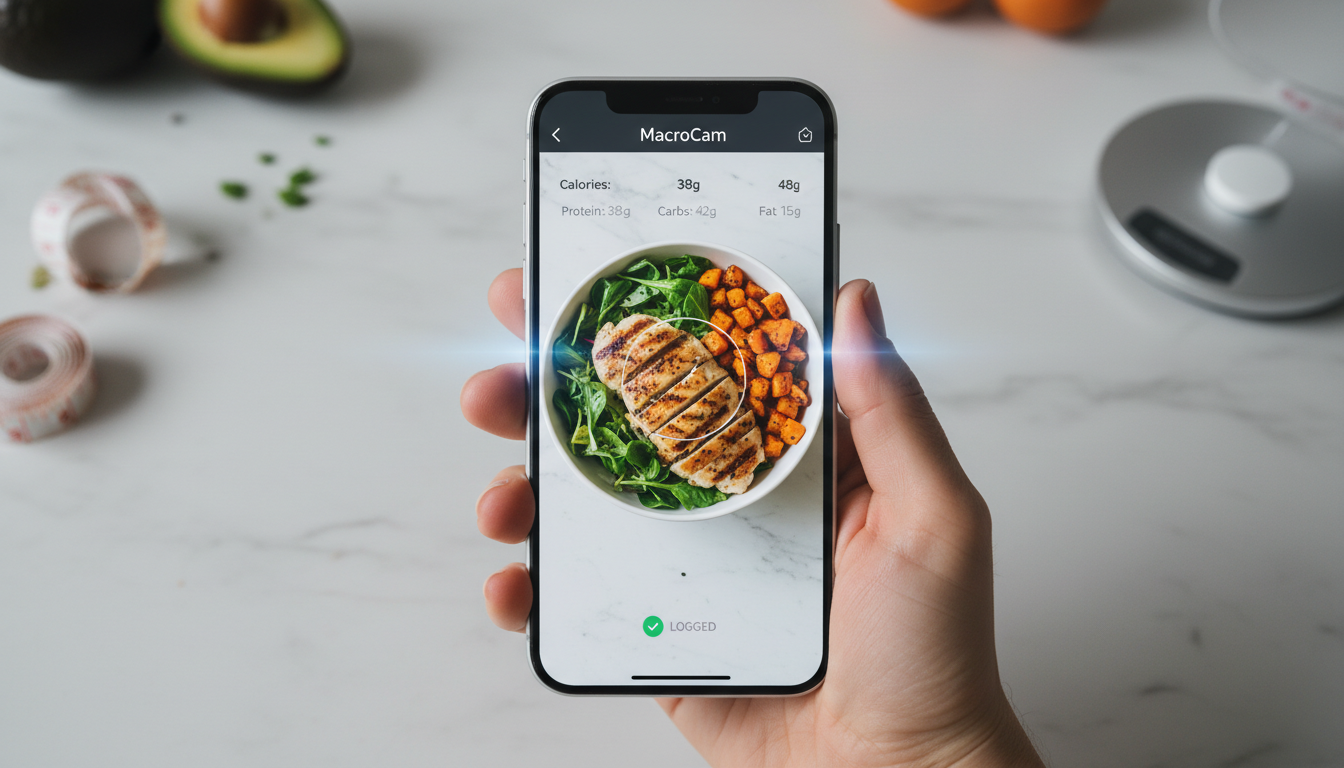
Embarking on a weight loss journey can feel overwhelming, but with the right tools, it becomes much simpler. A weight loss tracker app can help streamline your efforts, offering insights into your dietary habits and enabling you to make informed choices. MacroCam stands out as a unique solution, allowing you to snap a photo of your meals and receive instant calorie and macro breakdowns powered by AI. This post will explore how MacroCam can be your ideal nutrition companion, providing practical tips and insights to support your success.
Table of Contents
- Understanding the Role of Weight Loss Tracker Apps
- How MacroCam Works
- Key Benefits of Using MacroCam
- Practical Tips for Effective Use
- Frequently Asked Questions
- Download MacroCam Today!
Understanding the Role of Weight Loss Tracker Apps
Weight loss tracker apps have transformed how individuals approach their diets and health. They serve several purposes, such as:
- Caloric Monitoring: Track your daily caloric intake to stay within your target limits.
- Nutrient Analysis: Break down your food into macronutrients—proteins, fats, and carbohydrates—enabling informed dietary choices.
- Progress Tracking: Log your weight loss journey, providing clarity and motivation over time.
A study indicated that incorporating technology into weight loss efforts can enhance success rates by up to 20% (source: AOL.com, 2026). With a tool like MacroCam, you can leverage this technology to optimize your journey.
How MacroCam Works
Using MacroCam is straightforward and user-friendly. Here’s how to get started:
- Download the App: Available for iOS, you can easily download MacroCam from the App Store.
- Snap a Photo: Take a clear picture of your meal. The app’s AI analyzes the contents of your plate in seconds.
- Receive Instant Feedback: Get immediate calorie and macronutrient breakdowns, helping you understand the nutritional value of your food.
- Log Your Meals: Keep a history of your meals to track dietary patterns and your overall progress.
This seamless process makes MacroCam a convenient option for anyone looking to improve their nutrition.
Key Benefits of Using MacroCam
Choosing MacroCam as your weight loss tracker app offers several advantages:
1. Instant Insights
- Eliminate guesswork. Snap a photo and receive immediate nutritional feedback to guide your choices.
2. User-Friendly Design
- The app’s simple interface allows for quick and hassle-free meal logging.
3. AI-Powered Analysis
- The advanced AI technology not only counts calories but also suggests healthier food alternatives based on your preferences.
4. Customization Options
- Tailor dietary goals to your unique needs, whether focused on weight loss, muscle gain, or maintenance.
5. Community Engagement
- Connect with other users for motivation, tips, and shared experiences, enhancing your weight loss journey.
6. Progress Visualization
- Track your weight changes and dietary habits over time with visually appealing graphs and statistics.
| Feature | MacroCam | Competitor A | Competitor B |
|---|---|---|---|
| Instant Feedback | Yes | No | Yes |
| Community Support | Yes | Yes | No |
| AI Analysis | Yes | Limited | Yes |
| User-Friendly Design | Yes | Complicated | Yes |
Practical Tips for Effective Use
To maximize your experience with MacroCam, consider these actionable tips:
1. Log Your Meals Consistently
- Make it a daily habit to input your meals for more accurate tracking.
2. Be Honest with Your Entries
- Accurately represent portion sizes and ingredients to avoid misestimating your intake.
3. Explore New Foods
- Use the app to try different foods and recipes, keeping your diet exciting and varied.
4. Set Achievable Goals
- Aim for gradual changes, like losing 1-2 pounds per week, to maintain motivation.
5. Analyze Your Data Regularly
- Review your logged meals and weight trends regularly to identify areas for improvement.
6. Utilize Community Features
- Engage with fellow users for support and encouragement. Sharing experiences can enhance your journey.
7. Incorporate Exercise
- Pair dietary tracking with regular workouts for optimal results. Aim for at least 150 minutes of moderate exercise weekly.
8. Stay Hydrated
- Don’t forget to track your water intake! Proper hydration is crucial for weight loss.
Frequently Asked Questions
How does MacroCam ensure accuracy in calorie counting?
MacroCam uses advanced AI technology to analyze food images, providing reliable estimates for calorie and macronutrient content. Keep in mind that results may vary based on portion sizes and food preparation.
Can I track my workouts in MacroCam?
Currently, MacroCam primarily focuses on food tracking. For comprehensive tracking, consider using a dedicated fitness app alongside MacroCam.
Is the app suitable for all dietary preferences?
Absolutely! MacroCam accommodates various dietary preferences, including vegetarian, vegan, and gluten-free. You can customize your settings to meet your nutritional needs.
How often should I use MacroCam?
For best results, use MacroCam daily to log your meals. Consistency ensures accountability and helps you make informed dietary choices.
What if I encounter food not recognized by the app?
If the app doesn’t recognize a food item, you can manually enter it, ensuring accurate tracking of your meals.
Download MacroCam Today!
Navigating your weight loss journey is more manageable with the right support. MacroCam offers a unique and effective way to track your meals and understand your nutrition. By utilizing the app’s AI capabilities, you can make meaningful changes to your diet and achieve your goals.
Ready to take control of your nutrition? Download MacroCam today from the App Store and transform the way you think about food!