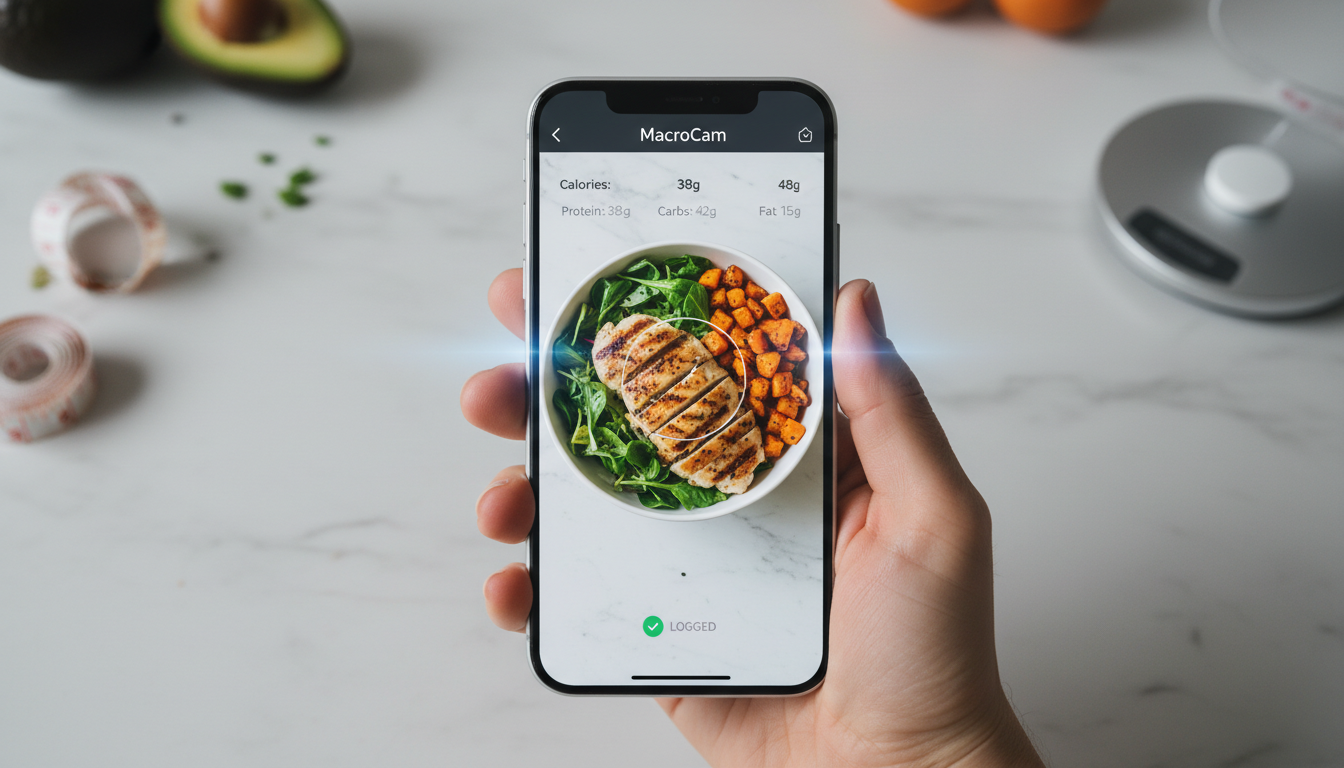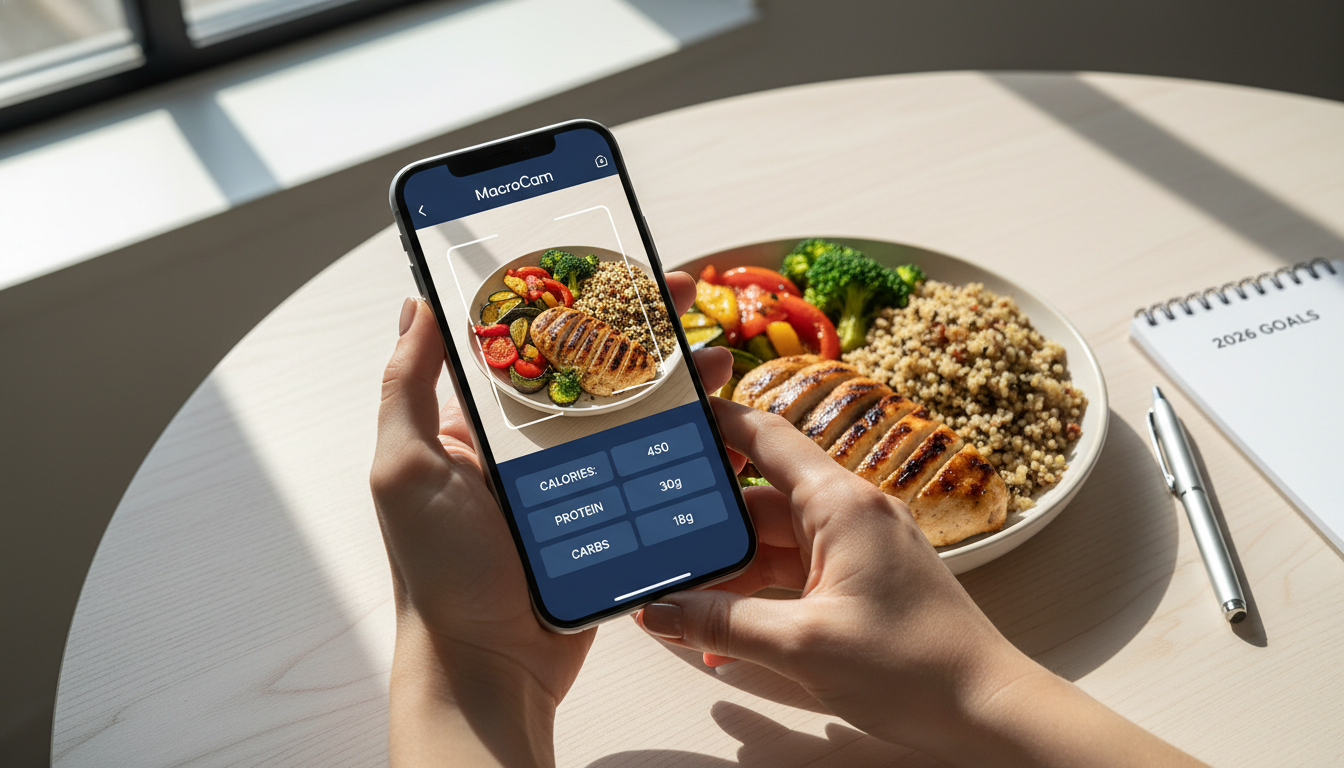
Many people find weight loss challenging, often struggling with tracking their food intake and maintaining accountability. A weight loss tracker app can simplify this process, making it easier to manage your diet and stay on target. MacroCam stands out by leveraging AI technology to provide instant calorie and macro breakdowns just by snapping a photo of your meal. This innovative approach not only streamlines tracking but also helps you stay focused on your goals.
Table of Contents
- Understanding the Role of a Weight Loss Tracker App
- How MacroCam Works
- Benefits of Using MacroCam
- Practical Tips for Effective Weight Management
- FAQ Section
- Conclusion and Call-to-Action
Understanding the Role of a Weight Loss Tracker App
Tracking your food intake is critical for successful weight management. According to recent findings by Fortune, the use of technology in weight loss strategies is on the rise. As new methods emerge, incorporating a weight loss tracker app like MacroCam can significantly enhance your approach.
Why Tracking Your Food Matters
- Accountability: Regular tracking fosters mindful eating and encourages healthier choices.
- Awareness: Understanding what and how much you eat helps identify habits and patterns.
- Customization: Real-time data allows you to adjust your diet based on your unique needs.
Utilizing a weight loss tracker app gives you insights into your eating habits, making it easier to achieve your weight loss goals.
How MacroCam Works
MacroCam is designed to be user-friendly, making meal tracking straightforward. Here’s a step-by-step guide on how it functions:
- Snap a Photo: Take a picture of your meal using the app.
- Instant Analysis: Advanced AI technology analyzes the image and provides an immediate breakdown of calories and macronutrients.
- Log Your Meals: Add the information to your daily log with just a few taps, eliminating tedious manual entry.
Key Features of MacroCam
- AI-Powered Analysis: This ensures accurate food interpretations, reducing the inaccuracies common in traditional logging methods.
- User-Friendly Interface: Designed for everyone, it’s easy to navigate, even for those who may not be tech-savvy.
- Customizable Goals: Set specific targets that align with your weight loss objectives and dietary preferences.
With these features, MacroCam transforms your meal tracking experience, allowing you to focus on achieving your weight loss goals.
Benefits of Using MacroCam
Using MacroCam offers more than just a way to log meals. Here are some key advantages:
1. Enhanced Accuracy
AI technology minimizes human error in food logging. Studies indicate that inaccuracies can lead to poor dietary choices. With MacroCam, you gain a precise understanding of your intake.
2. Time Efficiency
No more spending hours on data entry. A quick snapshot takes mere seconds, allowing you to enjoy your meals without worrying about tracking them.
3. Motivational Insights
Regular updates on your calorie and macro intake can inspire you to stay committed. Visualizing your progress can be a powerful motivator.
4. Community Support
Many users appreciate the community features of weight loss apps. Engaging with others provides encouragement and helpful tips, keeping you motivated.
5. Versatile Diet Adaptability
Whether you follow a keto, vegan, or balanced diet, MacroCam adapts to your preferences, making it suitable for various eating plans.
Practical Tips for Effective Weight Management
To maximize your experience with MacroCam, consider these actionable strategies:
- Set Clear Goals: Define specific, measurable targets—be it losing a certain amount of weight or fitting into a particular outfit.
- Be Consistent: Make meal logging a daily habit. Consistency is crucial for seeing progress.
- Utilize Insights: Regularly review the data provided by MacroCam. Look for trends that can inform your choices.
- Engage with Community Features: Share your journey, seek advice, and offer support within the app’s user community.
- Combine with Fitness Tools: Pair MacroCam with fitness apps or trackers for a holistic view of your health.
Sample Daily Caloric Needs Table
| Activity Level | Daily Caloric Needs (Approx.) |
|---|---|
| Sedentary | 1,800 - 2,200 |
| Moderately Active | 2,200 - 2,800 |
| Active | 2,400 - 3,000 |
FAQ Section
What sets MacroCam apart from other weight loss tracker apps?
MacroCam’s unique photo-based system allows for instant, AI-powered calorie and macro breakdowns, making it easier and more accurate than manual entry methods.
Is MacroCam suitable for all dietary preferences?
Yes, MacroCam is designed to accommodate a wide range of diets, including keto, vegan, and balanced eating plans, ensuring versatility for all users.
How can I get the most out of MacroCam?
To optimize your experience, set clear goals, log your meals consistently, and actively engage with the app’s community features for support and motivation.
Conclusion and Call-to-Action
Incorporating a weight loss tracker app like MacroCam can significantly enhance your weight loss journey in 2026. By leveraging its innovative features and AI technology, you can simplify the tracking process and focus on your health and well-being.
Ready to elevate your weight loss efforts? Download MacroCam from the App Store today here and start transforming your journey!