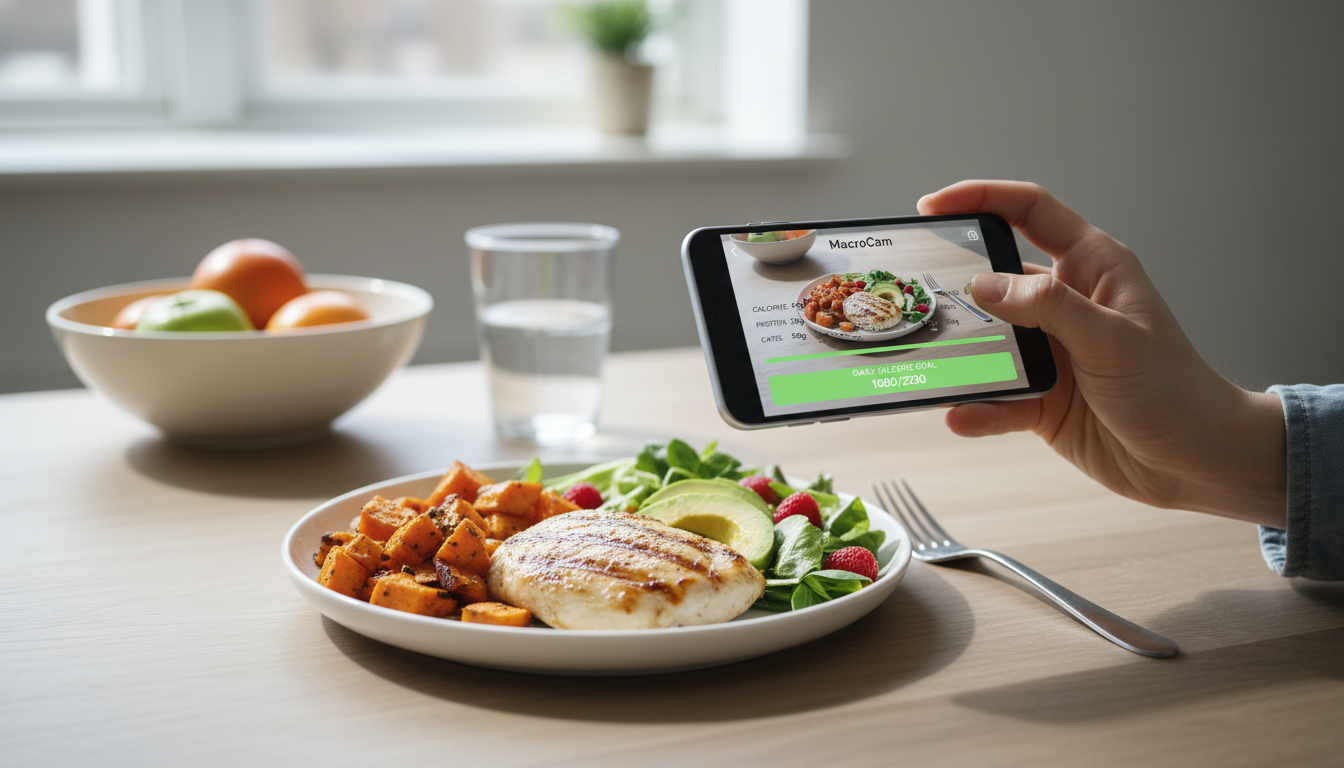
Tracking your calorie intake shouldn’t feel like a chore. With the right tools, it can be seamless and even enjoyable. Enter MacroCam, a daily calorie goal app that uses advanced AI to simplify your nutrition tracking. With just a snap of your meal, you can receive an instant breakdown of calories and macronutrients. This innovative approach can change the way you manage your diet and reach your health goals.
Table of Contents
- The Shift in Calorie Tracking
- How MacroCam Works
- Benefits of Using MacroCam
- Tips for Successful Calorie Tracking
- Addressing Concerns About Calorie Tracking
- FAQ
- Final Thoughts and Download Call to Action
The Shift in Calorie Tracking
The landscape of health and fitness has evolved dramatically in recent years. According to a 2023 survey by Statista, 44% of adults reported using calorie-tracking apps to manage their food intake. Traditional methods often required tedious manual logging, which can lead to burnout and frustration. A recent issue reported by Android Headlines highlighted a bug in Fitbit’s daily calorie goals, emphasizing the need for reliable and efficient tracking solutions.
MacroCam enters this space with an innovative approach that not only makes tracking easier but also more accurate and engaging. By leveraging AI technology, users can focus on their health without the hassle of manual entries.
How MacroCam Works
MacroCam simplifies the calorie tracking process in three simple steps:
- Snap a Photo: Take a picture of your meal using your smartphone.
- AI Analysis: The app’s AI technology analyzes the image, identifying the food items and their respective quantities.
- Immediate Feedback: Receive a detailed breakdown of calories and macronutrients—proteins, fats, and carbohydrates—instantly.
This straightforward process eliminates the need for complex calculations, allowing you to maintain your dietary goals effortlessly.
Key Features of MacroCam
- User-Friendly Interface: Designed for quick and easy navigation, making meal tracking a breeze.
- High Accuracy: The AI improves its food recognition capabilities over time, ensuring you get reliable data.
- Customizable Goals: Tailor your calorie and macro targets according to your dietary needs and preferences.
- Meal History: Access your previous meal data for deeper insights into your eating habits.
Benefits of Using MacroCam
Here are several advantages that make MacroCam a standout choice for anyone looking to track their calorie intake effectively:
- Time-Saving: Forget about tedious logging. A simple photo captures all the necessary information.
- Enhanced Accuracy: The AI technology ensures that nutritional information is precise and up-to-date.
- Promotes Mindful Eating: Immediate feedback allows you to make informed choices about your meals.
- Versatile for Various Diets: Whether you’re following a vegan, ketogenic, or paleo diet, MacroCam adapts to your nutritional requirements.
Comparison Table: Traditional Tracking vs. MacroCam
| Feature | Traditional Tracking | MacroCam |
|---|---|---|
| Manual Entry | Required | Not required |
| Time to Log Meals | 5-10 minutes | Instant (photo upload) |
| Accuracy | Varies | High (AI-assisted) |
| User Experience | Often tedious | Streamlined and simple |
| Customization Options | Limited | Highly customizable |
Tips for Successful Calorie Tracking
To maximize your use of MacroCam, consider these actionable tips:
- Capture Clear Photos: Ensure your images are well-lit and focused to enhance AI accuracy.
- Provide Serving Sizes: Including details about serving sizes can improve nutritional breakdowns.
- Review Your Meal History: Regularly checking past meals helps identify patterns and adjust your intake accordingly.
- Set Realistic Goals: Align your calorie intake with your lifestyle and health objectives for better sustainability.
Addressing Concerns About Calorie Tracking
While tracking calories can be beneficial, it’s essential to be aware of potential drawbacks. Some experts have raised concerns that calorie tracking apps may lead to unhealthy obsessions with food. A recent article from MSN suggests that focusing too much on numbers could increase anxiety rather than empower users.
- Focus on Overall Wellness: Use MacroCam to enhance your health rather than just fixate on calories.
- Listen to Your Body: Pay attention to how different foods make you feel rather than solely their calorie content.
- Seek Guidance: If tracking begins to feel overwhelming, consulting a dietitian could provide valuable support.
FAQ
How does MacroCam ensure the accuracy of its calorie counts?
MacroCam employs advanced AI algorithms that analyze food images against a vast database. The app’s accuracy improves with user engagement, making it a reliable resource for nutritional information.
Can MacroCam accommodate specific dietary needs?
Absolutely! MacroCam allows you to customize your calorie and macro goals to fit a variety of diets, whether you’re vegan, keto, or follow another nutritional plan.
Is MacroCam free to use?
MacroCam offers a free version with essential features. For more advanced functionalities and personalized insights, a premium subscription may be available.
Final Thoughts and Download Call to Action
Transforming your daily calorie tracking from a tedious task to a streamlined experience is possible with MacroCam. This innovative app provides an effortless way to understand your meals and achieve your health goals.
Are you ready to take control of your nutrition? Download MacroCam today from the App Store and start your journey toward healthier eating! Download MacroCam