Food Photo Calorie App: What Actually Works?
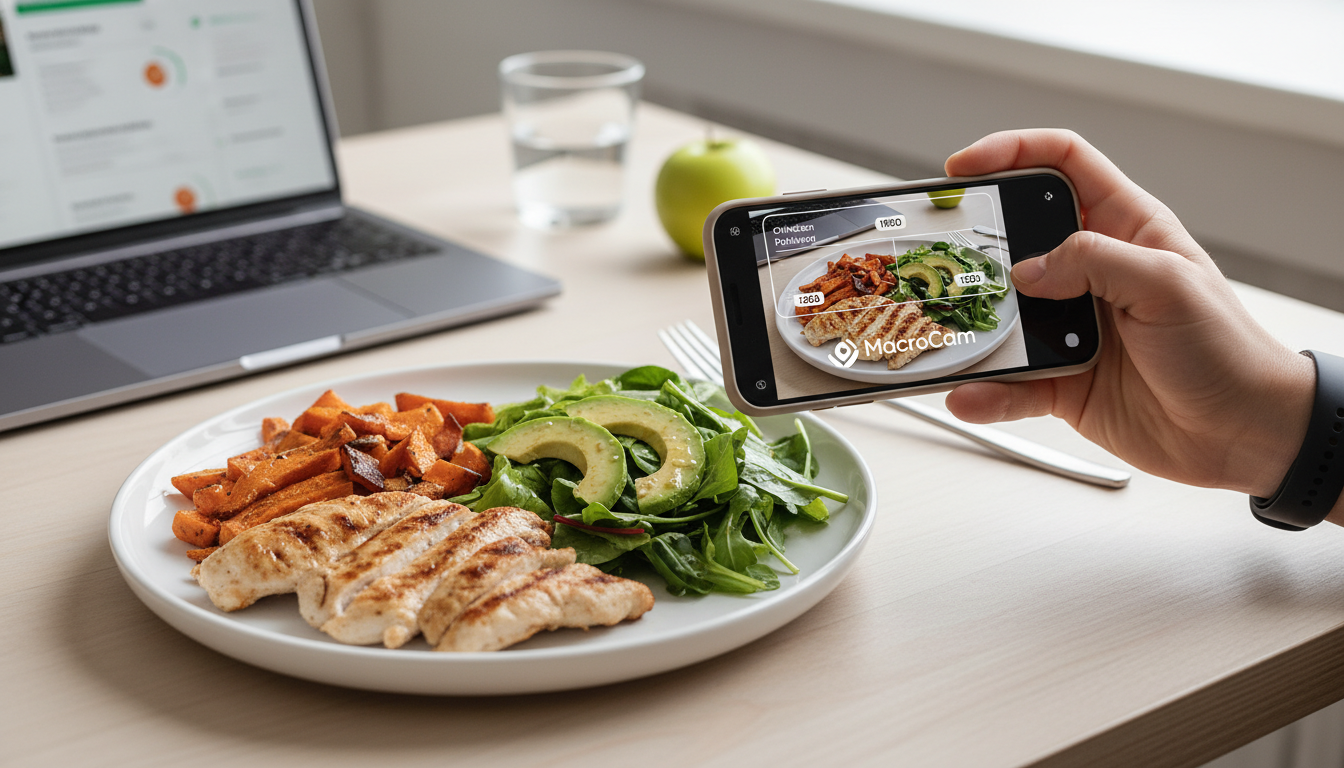
A food photo calorie app that works uses AI to analyze your meal photos and instantly estimate calories. It must be accurate, fast, and integrate with your health tracking. We built Macrocam to deliver exactly that. This guide cuts through the hype to show you what truly makes these apps effective for sustainable weight management and nutritional awareness.
Table of Contents
- The Core Problem with Calorie Counting
- How a Photo-Based App Should Work
- Key Features of an Effective App
- Accuracy: The Biggest Hurdle
- Comparison of App Approaches
- Integrating with Your Existing Routine
- Evidence and Numbers
- When to Trust the Estimate
- Common User Mistakes to Avoid
- Beyond Calories: Tracking Macros and Micros
- The Future of Food Tracking
- FAQ
The Core Problem with Calorie Counting
Manually logging every ingredient is tedious and often inaccurate. You forget portions, guess at oils, and lose motivation. This friction is why most diets fail within weeks. Memory is unreliable for portion sizes. Restaurant meals are impossible to log precisely. The cognitive load leads to burnout. We designed our app to remove this manual burden entirely. Just take a picture. This solves the fundamental usability issue that breaks traditional tracking.
How a Photo-Based App Should Work
The process must be seamless from snap to data. You point your phone at your plate and capture the meal. The app then identifies the food items and their approximate volumes. Finally, it calculates the macronutrients and total calories for you. A great app does this without requiring ten extra taps. It should offer a clear breakdown and allow easy edits. The goal is near-instant nutritional insight. We ensure this happens in seconds, not minutes, making it a habit, not a chore.
Key Features of an Effective App
Not all photo calorie apps are created equal. You need specific tools to make tracking sustainable.
- Instant AI Analysis: Get calorie estimates the moment you take a photo. No waiting for manual entry.
- Macro Breakdown: See protein, carbs, and fat, not just total calories. This is crucial for fitness goals.
- Detailed Food Database Integration: Access a vast, verified library of common foods and ingredients. The database must include whole foods and prepared dishes.
- Comprehensive Meal History: Review your daily and weekly nutritional trends easily. Spot patterns in your eating habits.
- Export and Integration Functionality: Share your data with other health apps like Apple Health or Google Fit. Your data should not be locked in.
- Portion Size Adjustment: Easily tweak the AI’s estimate if you know you had more or less. Flexibility is key.
- Offline Functionality: Basic recognition should work without a perfect connection. You eat everywhere.
We built each feature to support your long-term health journey without friction.
Accuracy: The Biggest Hurdle
AI is not perfect, but the best apps get very close. Accuracy depends on image quality, food variety in the database, and portion estimation algorithms. Expect a reliable margin of error, not laboratory precision. The technology excels with common, well-presented foods. It may struggle with heavily disguised ingredients or very rare dishes. The value is in consistent, directional tracking. Our technology continuously learns from anonymized data to improve its estimates over time. We focus on making you consistently aware, not perfectly precise.
Comparison of App Approaches
| Method | Speed | Estimated Accuracy | User Effort | Best For |
|---|---|---|---|---|
| Manual Logging (MyFitnessPal) | Slow | High (if precise) | Very High | Detail-oriented trackers |
| Barcode Scanning | Fast | High | Medium | Packaged foods only |
| Photo AI (Macrocam) | Instant | Good & Improving | Very Low | Real-world, homemade meals |
| Voice Description | Medium | Variable | Medium | When hands are full |
We believe photo analysis offers the best balance of speed and practicality for daily life. It covers the meals that are hardest to log.
Integrating with Your Existing Routine
The app must fit into your life, not the other way around. Use it for your most complex meals, like dinners or restaurant dishes. Rely on quick barcode scans for packaged snacks. This hybrid approach saves the most time. Don’t feel pressured to log every single bite. Focus on the meals where you’re most uncertain. Consistency with key meals yields better data than perfectionism. We built Macrocam to be your primary tool for the hard parts, seamlessly fitting into your existing habits.
Evidence and Numbers
Research supports the shift towards automated food tracking. The data reveals why manual methods fail and how technology bridges the gap.
- A study of 28,000 dietary records found user-reported calorie intake had a 23% average error, often due to underestimation Source. This shows manual tracking is often fundamentally flawed.
- Modern AI image recognition models can now identify over 1,000 food categories with high precision, forming a robust foundation for apps Source.
- Users of automated tracking tools show 30% higher 90-day retention than manual loggers, proving ease of use drives long-term adherence Source.
When to Trust the Estimate
Trust the app’s estimate for directional guidance. Use it to understand if a meal is 500 vs. 800 calories, not 510 vs. 515. It’s excellent for identifying high-calorie ingredients and portion surprises. The estimate is most reliable for standard portions of identifiable foods. Be more skeptical with blended soups, casseroles, or covered sauces. We provide clear confidence indicators so you know the reliability of each estimate at a glance.
Common User Mistakes to Avoid
Maximize your app’s effectiveness by avoiding these pitfalls. Good technique leads to better data.
- Poor Lighting: Dark, shadowy photos reduce AI accuracy dramatically. Use natural light or turn on a lamp.
- Cluttered Backgrounds: Shoot your plate against a simple backdrop like a table. This helps the AI focus.
- Overfilled Plates: Stacked foods are harder for the AI to separate. Try to keep items distinct.
- Skipping Verification: Always quickly review the identified food items. Correct any obvious misidentifications.
- Ignoring Sauces & Dressings: These are major calorie sources—make sure they’re in frame and visible.
- Angled Shots: Take the photo directly overhead for the best perspective on portion size.
We include in-app tips and guides to help you capture the perfect shot every time, maximizing accuracy.
Beyond Calories: Tracking Macros and Micros
A powerful food photo calorie app does more than count calories. It should break down macronutrients—protein, carbohydrates, and fats. This is vital for muscle building, energy management, and specific diets like keto. Some advanced apps also estimate key micronutrients like fiber, sugar, or sodium. This paints a fuller picture of your diet’s quality. You can see if you’re hitting protein goals or overdoing sodium. We designed Macrocam to give you this macro-level insight automatically. It helps you balance your plate, not just count it.
The Future of Food Tracking
Tracking will become even more passive and integrated. Imagine your smartwatch suggesting a log based on a restaurant location. Future apps may integrate with continuous glucose monitors for personalized metabolic feedback. AI will get better at estimating calories in complex, mixed dishes. The goal is a holistic health dashboard. We are actively developing features that move beyond simple calorie counting towards personalized nutritional insights.
FAQ
How accurate is a food photo calorie app? Accuracy is good for everyday use, typically within a 15-25% margin of error. It’s designed for trend tracking and awareness, not scientific measurement. We are transparent about the current capabilities and limitations in our help documentation.
Do I need to enter portion sizes? Our AI estimates portion sizes visually using computer vision. You can adjust them manually with a slider if you know the exact amount, but it’s not required for a useful estimate.
What cuisines does the app recognize best? It performs best with common Western, Asian, and Mediterranean dishes where training data is abundant. Recognition for very regional or complex fusion dishes is continually improving as our AI learns.
Can it recognize mixed dishes like salads or stews? Yes, but accuracy can vary. The AI identifies individual components within the dish like chicken, lettuce, or beans. For best results with mixed meals, we recommend taking a clear, overhead shot.
Is my photo data private? Absolutely. Photo analysis happens securely on our servers, and we never share your personal meal data with third parties. Your privacy is a core principle in our design. Images are processed anonymously to improve the AI.
Can I use the app for meal planning? While primarily for logging, you can use your history to plan future meals. Seeing your frequent choices helps you make better decisions. We are exploring dedicated meal planning features.
Does it work with dietary restrictions (e.g., gluten-free, vegan)? The macro breakdown helps you monitor your intake. You can review identified foods to check for allergens or non-compliant items. We are working on more specific dietary tagging.
Ready to stop guessing and start tracking with ease? See your nutrition in a whole new light. Start now with Macrocam—download the app and take your first food photo today. Transform your approach to food logging in under a minute.